The 28 Best Social Media Analytics Tools to Measure Performance in 2026
Compare and explore the most popular social media analytics tools to help optimize your social media strategy.
.avif)

The best social media analytics tools do more than track likes and impressions; they help marketers understand what’s working, why it’s working, and what to do next. With the right tool, you can uncover patterns faster, prove the value of your social media strategy, and make better decisions about content, campaigns, and budget.
To help you compare the options, we evaluated leading platforms based on core criteria like analytics capabilities, data accuracy, user experience, price, and platform support, drawing from official, publicly available product materials, pricing pages, and trusted review sites.
Key Takeaways:
- Analytics tools and management tools serve different needs. Dedicated analytics platforms go deeper on measurement, while all-in-one tools combine reporting with scheduling, engagement, and workflow. For most small teams, the all-in-one route is more practical.
- Native analytics are useful, but limited. Built-in platform insights give you first-party data, but they are harder to compare across channels and often leave gaps in reporting.
- Most teams do not need enterprise software. Free and lower-cost tools cover the basics for creators, solo marketers, and small teams. Higher-priced platforms make more sense when reporting, benchmarking, or collaboration gets more complex.
- The best tool depends on your workflow. Some platforms are built for competitive benchmarking, others for automated reporting, creator tracking, or broader social management.
- Cross-channel visibility is the real advantage. Third-party tools help teams see performance in one place, spot trends faster, and spend less time pulling reports by hand.
What Are Social Media Analytics Tools?
Social media analytics tools help brands track, measure, and understand performance across social media platforms. They centralize data from channels like Instagram, TikTok, Facebook, LinkedIn, Pinterest, YouTube, Snapchat, and X, so teams can see how their content, campaigns, and audiences are performing.
Common metrics include engagement rate, reach, impressions, shares, follower growth, conversion rate, social ad spend, and return on investment (ROI). With this data, marketers can measure content performance, understand audience behavior, evaluate campaign impact, and make smarter decisions about where to focus next.
Top 28 Social Media Analytics Tools
With so many options on the market, the challenge usually is not finding a social media analytics tool; it is finding the right one for your team. Platform coverage, reporting depth, and pricing can vary quite a bit from one tool to the next.
Using information from official product and pricing pages, we compared popular options based on platform support, core analytics, pricing, and best fit to create a clearer side-by-side view. The chart below highlights those differences to help you evaluate your options more easily.
Last verified: May 2026
Native Platform Analytics Tools
Native platform analytics tools are a practical option for brands that want direct access to first-party performance data. They can help teams understand channel-specific results, audience behavior, and campaign impact, though each platform offers different levels of reporting depth and flexibility.
Last verified: May 2026
1. Dash Social
Best social media analytics tool for creator-led brands
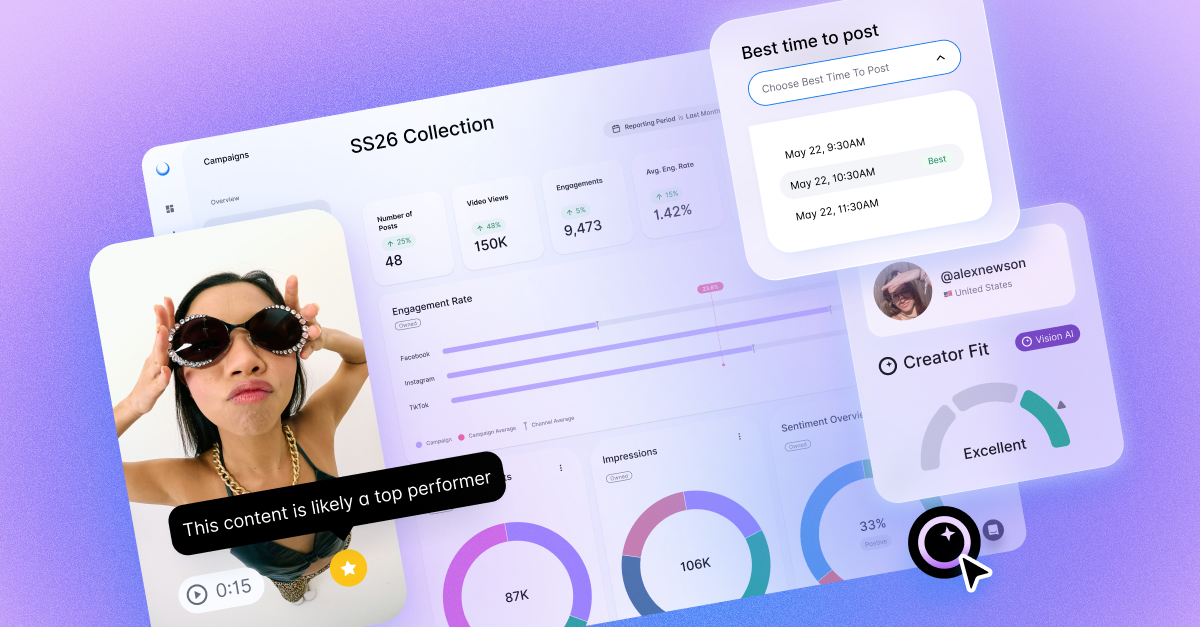
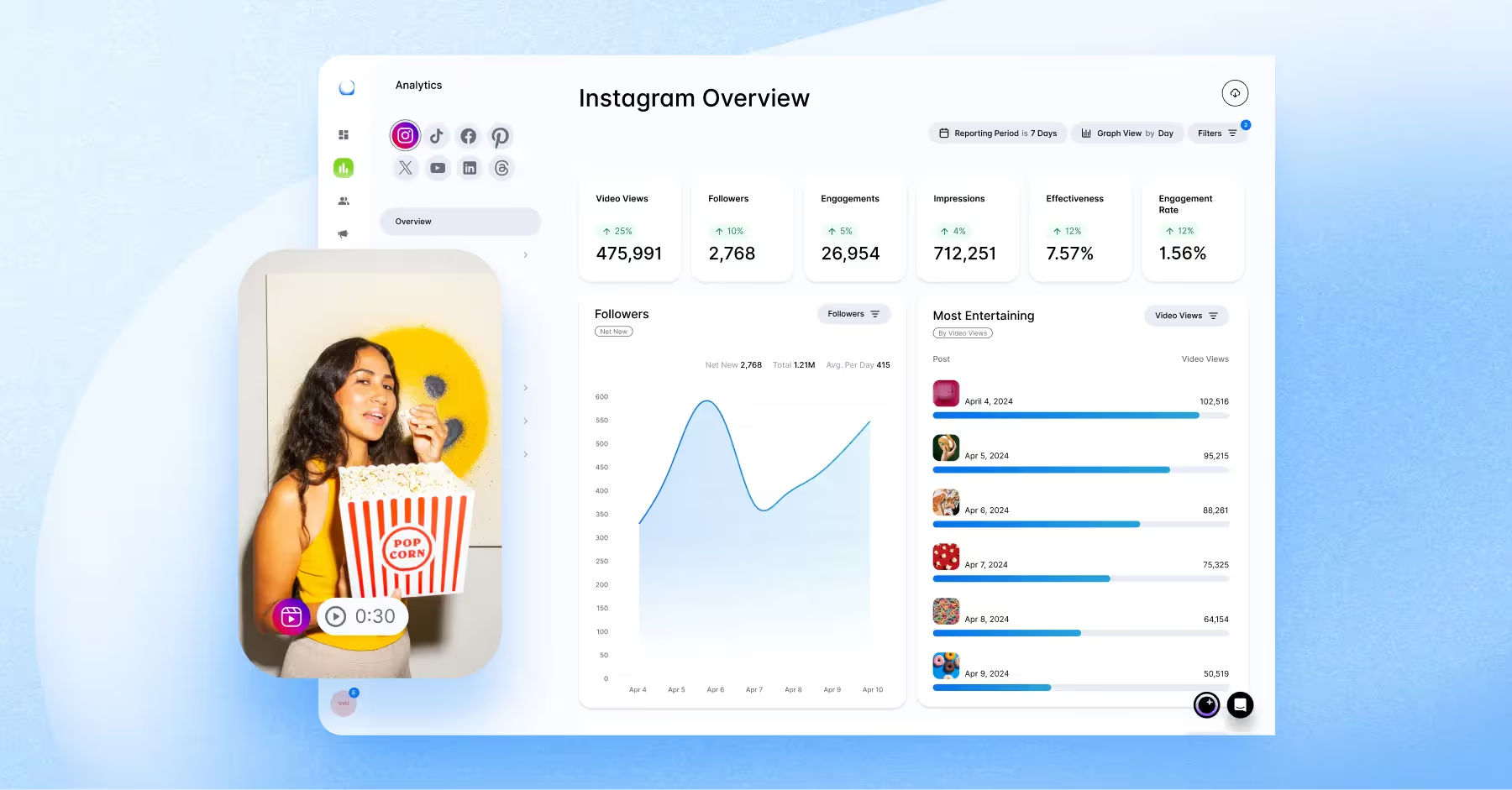
Known for its ability to analyze the visual performance of posts, Dash Social offers unique features called the Entertainment Score, which evaluates the engagement and retention of your content. Users can also track ROI, pinpoint the best times to post, and monitor competitors’ performance across major channels, all within the platform.
- Best Fit: Mid-market and enterprise brands, especially teams with more complex reporting needs and larger budgets.
- Supported Social Networks: TikTok, Instagram, Facebook, Pinterest, YouTube, Threads, LinkedIn, Snapchat, and Bluesky.
- Pricing: Custom pricing, with a 14-day free trial.
- Core Analytics: Reports dashboard, cross-channel analytics, AI-powered social listening, competitive insights and benchmarking, creator measurement, and influencer performance tracking.
- Competitive Features: Vision AI, Entertainment Score, TSI.
- Key Integrations: Salesforce, Zendesk, Canva, Shopify, Bitly, Google Analytics, Airtable, Mailchimp, Klaviyo, and more.
- Notable limitations/Who it’s not for: Less ideal for teams that want simple, public, self-serve pricing or a lightweight analytics-only tool.
What Users Say:
“Dash Social offers a robust and rich analytics for any content shared on different social networks, including performance predictions, brand recognition, and marketing strategies. The scalability of marketing content and scheduling of publications makes it easy to conduct extensive marketing campaigns. Dash Social ensures we have a powerful content library, which makes it easy to access any content concerning our brand. All engagements, from comments, sentiment tagging, conversations even with teammates are well evaluated. Dash Social builds remarkable reports in the form of KPIs to give a clear understanding of content efficiency.” G2
Last updated: May 2026
2. Zoho Social
Best social media analytics tool for teams already using Zoho
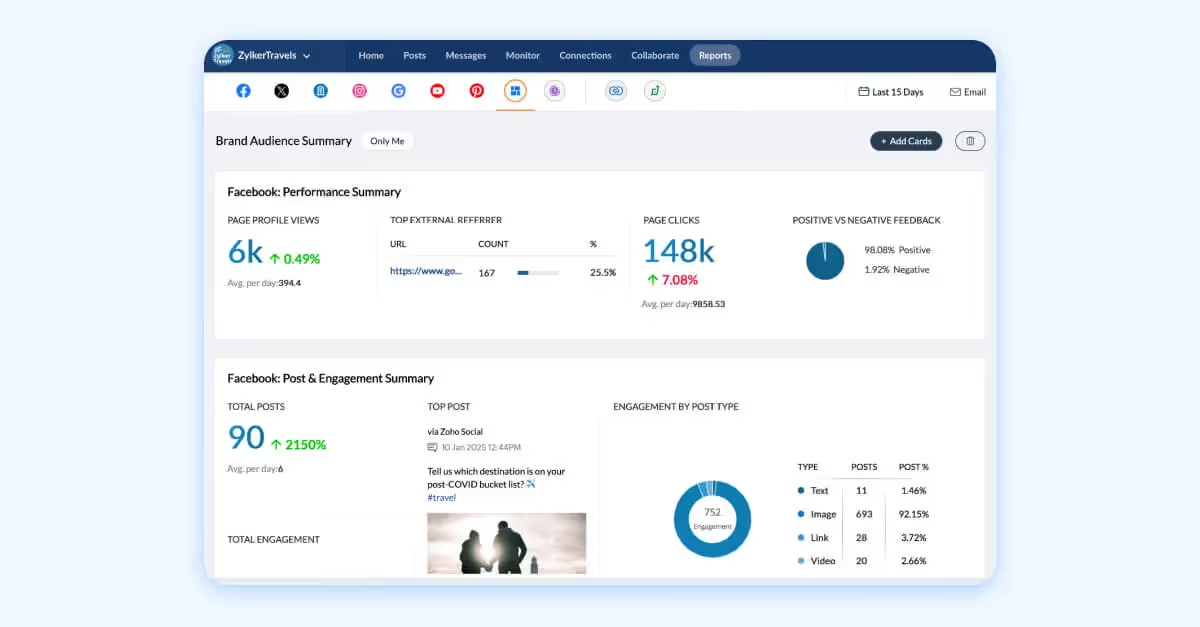
Zoho Social is designed for businesses and agencies that are looking for social publishing, engagement, and reporting in one dashboard, especially if they already rely on Zoho’s wider software stack. Its strongest differentiator is how tightly it connects social media work to CRM and support workflows.
- Best Fit: Small businesses, lean in-house teams, and agencies that want lower-cost social media analytics software with CRM alignment.
- Supported Social Networks: Facebook, Instagram, X (Twitter), LinkedIn, TikTok, YouTube, Pinterest, Bluesky, Threads, and Mastodon.
- Pricing: Free plan available, paid plans available, and a 15-day free trial.
- Core Analytics: Reports dashboard, published post stats, hashtag reports, custom reports, scheduled reports, and exportable reports.
- Competitive Features: Zoho Ecosystem, Zia (AI-Assistant), and advanced scheduling.
- Key Integrations: Canva, Zoho CRM, Zoho Desk.
- Notable limitations/Who it’s not for: Less ideal for brands that need deeper competitive intelligence or enterprise-grade listening. Zoho Social is a better fit for operational social management than advanced market intelligence.
What Users Say:
“What I like best about Zoho Social is its comprehensive suite of tools that make social media management effortless. From intuitive content scheduling to insightful analytics, Zoho Social provides everything we need to maintain a strong and consistent online presence.” G2
Last updated: May 2026
3. Socialinsider
Best social media analytics tool for competitive benchmarking
Socialinsider is a social media analytics tool designed for marketing teams, agencies, and brands that need deeper insights into performance across social platforms. When using the tool, what stands out immediately is how clearly it shows your content performance compared to competitors and industry benchmarks.
- Best Fit: Brands and agencies that require deep competitor and content analysis.
- Supported Social Networks: Facebook, Instagram, LinkedIn, TikTok, YouTube, and X (Twitter).
- Pricing: Paid plans, with a 14-day free trial.
- Core Analytics: Performance analysis across channels, period-over-period comparison, reporting, benchmarking, and AI listening metrics.
- Competitive Features: Competitive benchmarking is the core strength here, especially for teams trying to understand the broader competitive landscape.
- Key integrations: Microsoft Power BI connector, API for custom integrations.
- Notable limitations/Who it’s not for: Less ideal for teams that need deep publishing, inbox, or workflow management in the same social media analytics software.
What Users Say:
“I like the competition analysis summary and suggestions that Socialinsider provides. The accuracy of the numbers is wonderful, and it gives me great support to plan my social media strategy and outperform the competition. I find it really helpful to understand the content bucket and approach each of my competitors is taking. Also, knowing what's performing better helps me rework my approach. It's one of the best for competitive analysis, and the initial setup was pretty easy.” G2
Last updated: May 2026
.jpg)
4. Social Status
Best social media analytics tool for automated client reporting
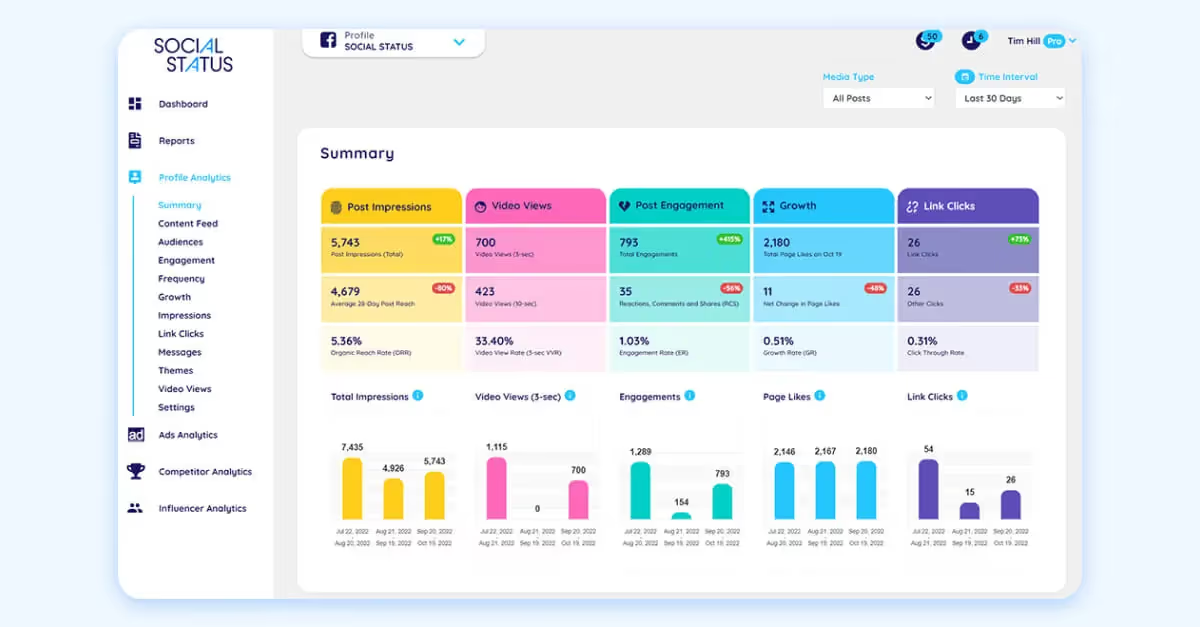
Social Status is built around social media analytics and reporting, with a strong agency-friendly angle. It is especially useful for teams that want automated reports across organic, paid, competitor, and influencer performance, making it a helpful option for brands comparing influencer analytics tools.
- Best Fit: Smaller teams and agencies that want analytics without buying a larger social suite.
- Supported Social Networks: Facebook, Instagram, LinkedIn, TikTok, YouTube, and X (Twitter).
- Pricing: Free plan available, with the option to move into paid plans.
- Core Analytics: Ad analytics, competitor analytics, influencer analytics, and automated reporting.
- Competitive Features: Separate analytics views for paid, competitor, and influencer performance make it more flexible than a simple reporting dashboard.
- Key Integrations: API for custom integrations.
- Notable limitations/Who it’s not for: Less ideal for teams looking for a full social suite with deeper publishing, engagement, or listening capabilities.
What Users Say:
“As a marketing and content production specialist, this is by far the best tool in the market to do so. I've won client pitches using Social Status's analytics, and it's saved me hours of work and allowed me to provide services I wouldn't be able to otherwise.” G2
Last updated: May 2026
5. Vista Social
Best social media analytics tool for broad channel coverage
Vista Social is a full social media management platform with unusually wide channel support for its price point. It is built for teams and agencies that want a publishing, workflow, listening, and social media reporting tool without immediately moving to enterprise pricing.
- Best Fit: Small teams, agencies, and growing multi-user teams. Higher-capacity tiers and listening add-ons also give it room to stretch upmarket.
- Supported Social Networks: Facebook, Instagram, LinkedIn, Reddit, Snapchat, Threads, TikTok, X (Twitter), YouTube, and Bluesky.
- Pricing: Starts at $64 per month, with a 14-day free trial. Listening across social, web, and news is priced separately.
- Core Analytics: Cross-channel dashboards, custom reports, sentiment analysis, and automated reporting.
- Competitive Features: Wide platform coverage and add-on listening make it more flexible than many low-cost social suites.
- Notable limitations/Who it’s not for: Less ideal for brands that need deep enterprise governance, advanced research tooling, or bundled listening at the base price.
- Key Integrations: Zendesk, Bitly, Google Analytics, TripAdvisor, Yelp, Trustpilot, Canva, Dropbox, Zapier.
What Users Say:
“It has features that stand out; the integration, which makes it super easy to link with top social media network profiles from a centralized dashboard. With Vista Social, you can also get detailed analytics, which has helped me identify and make necessary improvements.” G2
Last updated: May 2026: pricing now starts at $64/month.
6. Hootsuite
Best social media analytics tool for large multi-use teams
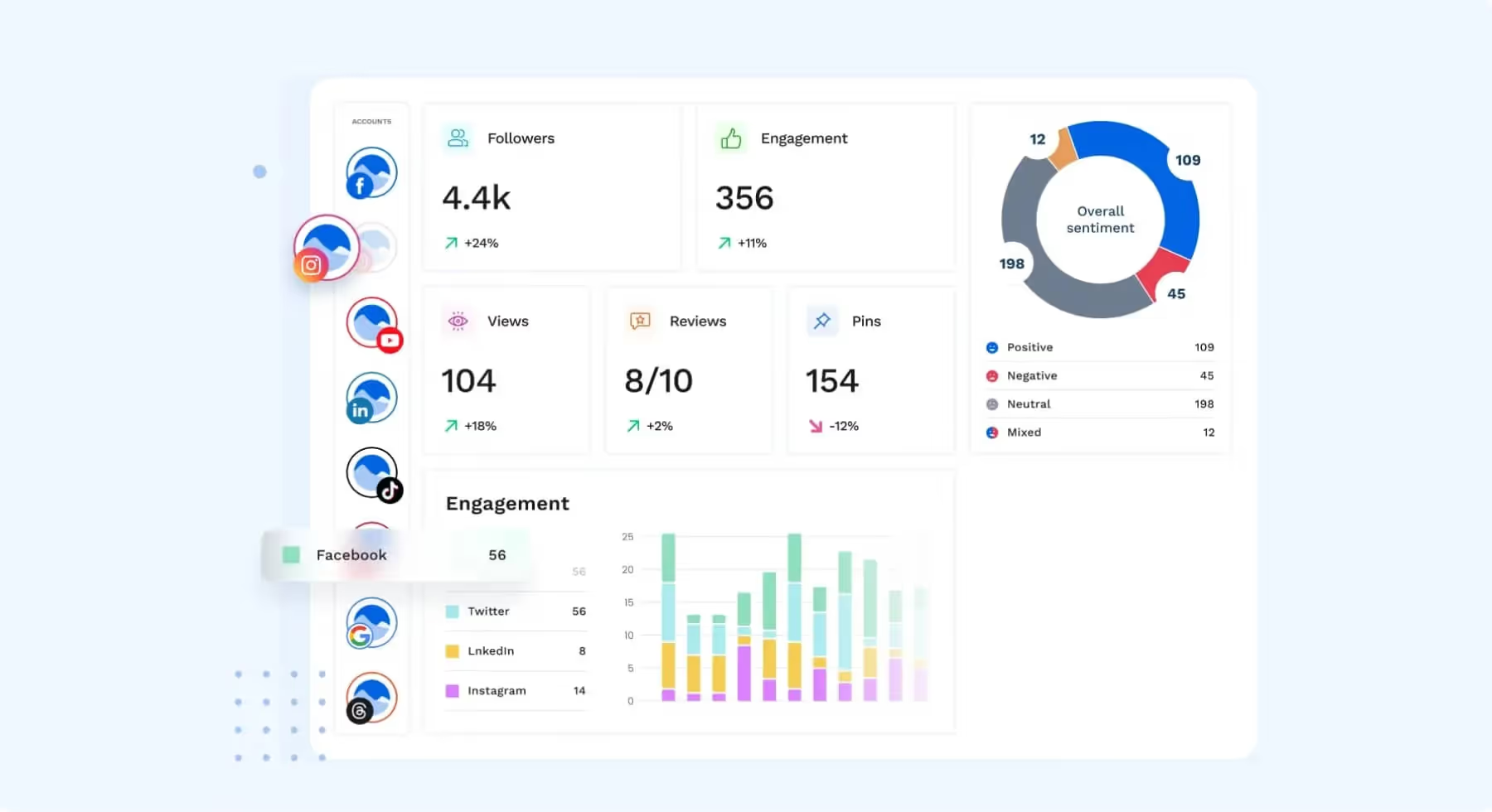
Hootsuite is a long-established social media management platform that combines scheduling, analytics, listening, and content tools in one place. It is built for teams that want one central dashboard and value a broad ecosystem.
- Best Fit: Small teams through enterprise, depending on plan. It is especially common with larger teams that want a mature, multi-use platform.
- Supported Social Networks: Facebook, Instagram, LinkedIn, Threads, TikTok, X (Twitter), YouTube, Pinterest, WhatsApp, and Bluesky.
- Pricing: Paid plans available starting at $99 per user monthly with a 30-day free trial.
- Core Analytics: Account-level dashboards, post analytics, reporting, and skimmable reports across social networks.
- Competitive Features: Strong ecosystem depth and the ability to pair analytics with listening, publishing, and content workflows.
- Notable limitations/Who it’s not for: Less ideal for smaller teams that want low-cost pricing or a simpler interface.
- Key Integrations: Salesforce, Monday.com, Proofpoints, ReviewTrackers, Vidyard, and many more.
What Users Say:
“The analytics tools offer valuable insights, helping me improve engagement.” G2
Last updated: May 2026
7. Agorapulse
Best social media analytics tool for ROI reporting and inbox management
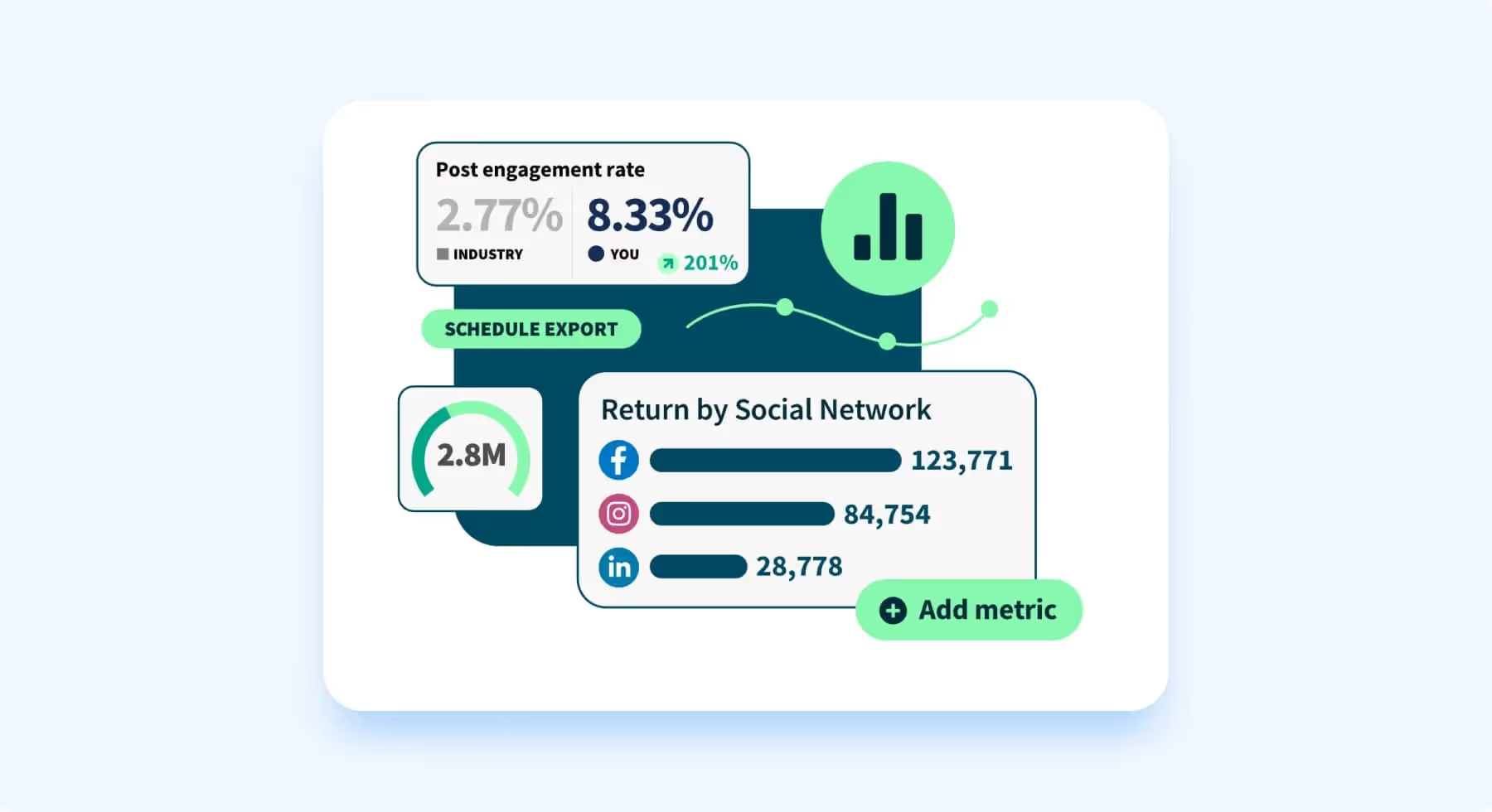
Agorapulse is designed for growing social teams that want publishing, engagement, and reporting in one workflow. Its strongest value comes from combining inbox management with more advanced reporting as you move up tiers.
- Best Fit: Growing teams, agencies, and larger structured teams. The lower tiers work for managers and small teams, while Advanced and Custom are clearly aimed at larger organizations.
- Supported Social Networks: Facebook, Instagram, LinkedIn, TikTok, X (Twitter), YouTube, Threads, Pinterest, and Bluesky.
- Pricing: Free plan available, paid plans start at $79 per user per month, with a 30-day free trial.
- Core Analytics: Ads reports, ROI analysis, competitor benchmarking, and sentiment on higher plans.
- Competitive Features: ROI analysis and competitor benchmarking help it stand out from lighter publishing tools.
- Notable limitations/Who it’s not for: Less ideal for very small teams with limited budgets, especially since deeper analytics and sentiment sit on higher plans.
- Key Integrations: Google Business, Salesforce, HubSpot, Canva, Google Analytics, Dropbox, and Bitly.
What Users Say:
“Navigating through its broad array of features is surprisingly easy, making it a go-to platform for both beginners and seasoned professionals. From analytics to collaboration tools, Agorapulse combines simplicity with functionality, making social media management a joy.” G2
Last updated: May 2026
8. Rival IQ
Best social media analytics tool for competitor analysis
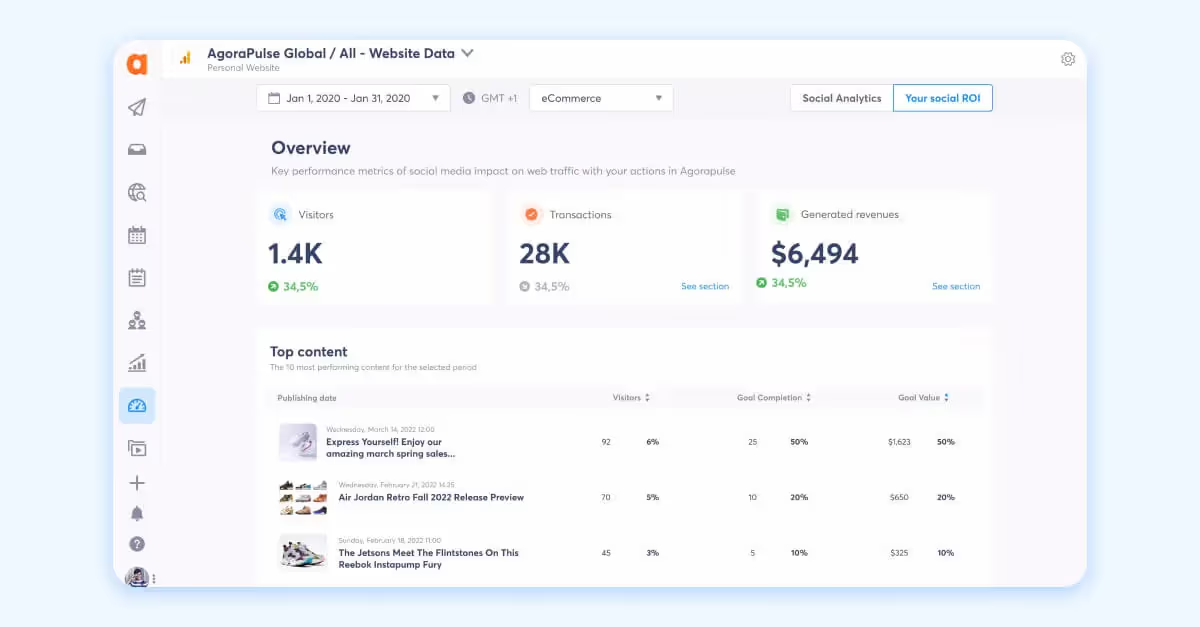
Rival IQ is built for competitive social analytics and benchmarking. It focuses on helping marketers understand how their performance compares with peers across channels, rather than serving as an all-in-one publishing suite.
- Best Fit: Mid-market brands, enterprise teams, agencies, and institutions that want competitor analysis first.
- Supported Social Networks: Facebook, Instagram, X (Twitter), YouTube, TikTok.
- Pricing: Paid plans start at $239 a month, with a 14-day trial available.
- Core Analytics: Competitive analytics, Facebook and Instagram insights reporting, social listening, and comparative reporting.
- Competitive Features: Competitive benchmarking is the core use case, especially for brands that need to monitor peer activity closely.
- Notable limitations/Who it’s not for: Less ideal for teams that want deep social publishing, community management, or creator workflows in the same platform.
- Key Integrations: Google Analytics, Google Sheets, Tableau, Looker Studio, Slack.
What Users Say:
“I appreciate that Rival IQ offers me stats and tables for metrics that I may not have previously considered as being instrumental pieces of data. However, there have been a handful of times where I've looked at some of these different graphs and have been able to see trends that I wouldn't have noticed if I was just looking at the big stats like Engagement Rate per follower.” G2
Last updated: May 2026
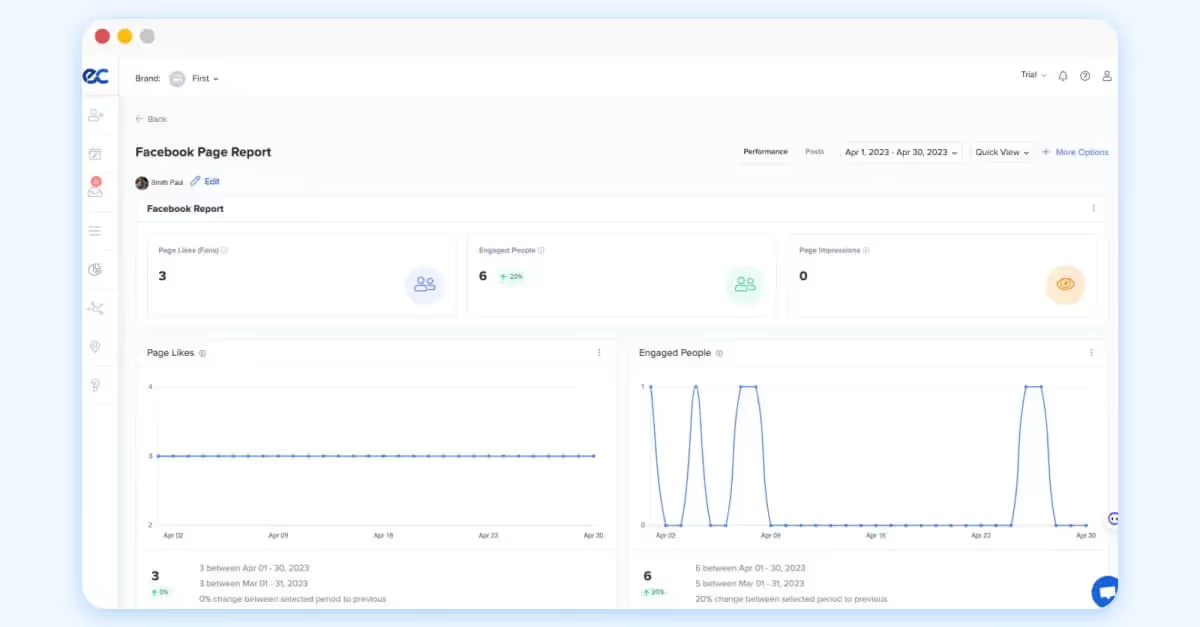
9. Eclincher
Best social media analytics tool for brands with local SEO needs
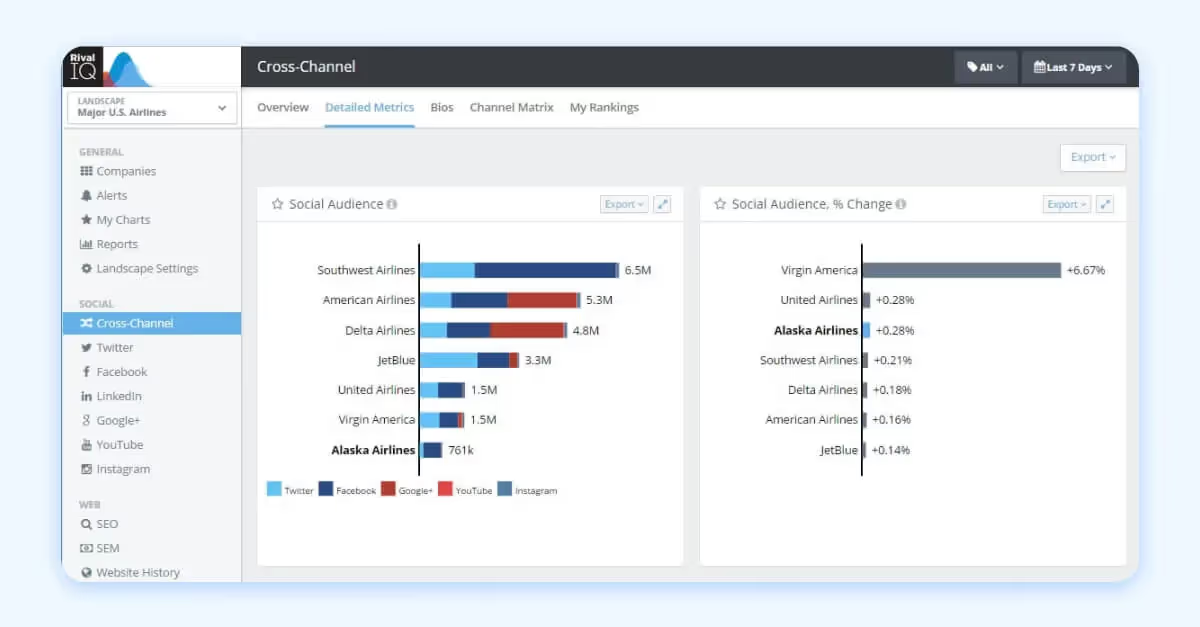
Eclincher is an all-in-one platform that combines social media management with brand monitoring and local SEO tools. It is aimed at businesses and agencies that want analytics alongside publishing, inbox management, listings, and reputation workflows.
- Best Fit: Small to mid-market businesses, agencies, and multi-location brands that want more than analytics alone.
- Supported Social Networks: Facebook, Instagram, X (Twitter), Threads, TikTok, LinkedIn, Pinterest, YouTube, and Bluesky.
- Pricing: Paid plans and custom pricing available with a 14-day trial.
- Core Analytics: Brand monitoring and social listening are available as an add-on or bundled into the Enterprise plan.
- Competitive Features: Local SEO and listings capabilities make it a stronger fit for multi-location or reputation-conscious businesses than many pure social media measurement tools.
- Notable limitations/Who it’s not for: Less ideal for teams that want a simpler analytics-first product with a lighter interface.
- Key Integrations: Google Business, Google Analytics, Salesforce, Zendesk, Service Now, Tripadvisor, Trustpilot, Adobe Express, Mailchimp, Bitly, Dropbox, and more.
What Users Say:
“As a social media manager and content strategist, Eclincher does well to cover its bases of channel connectivity and reach. It's great for its built-in analytics and visualization to help pinpoint segment data -- hands down the best part of this product.” G2
Last updated: May 2026
10. Iconosquare
Best social media analytics tool for analytics-first social managers
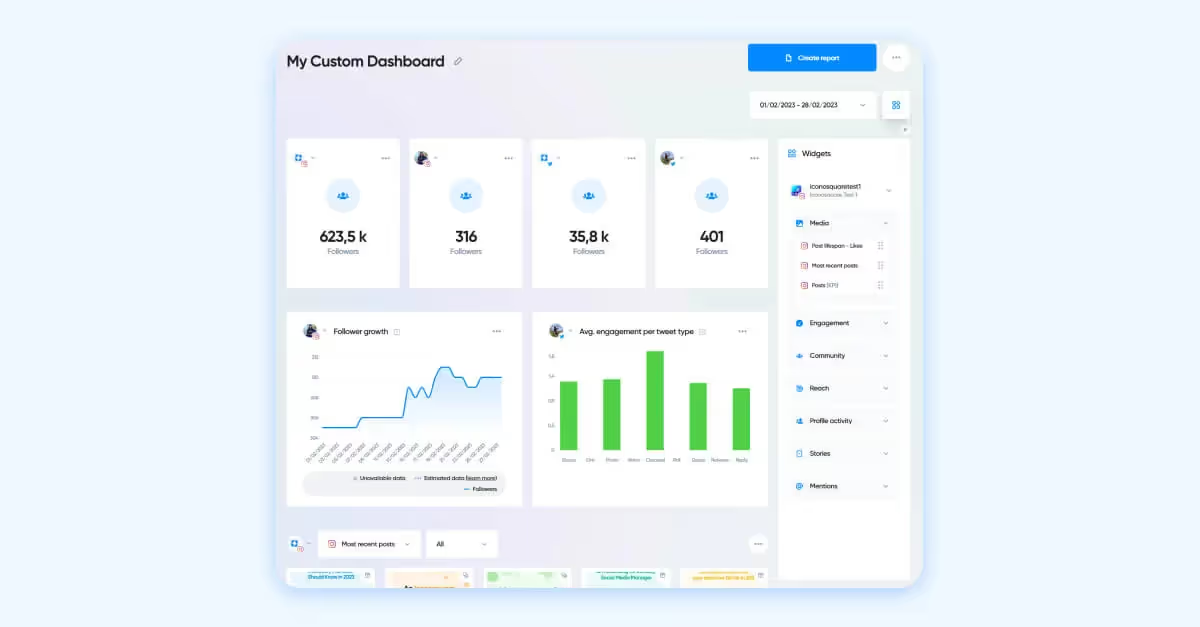
Iconosquare positions itself as an analytics-first social media management tool. It is a strong fit for teams that care about performance reporting first and lightweight content scheduling second.
- Best Fit: Small teams, consultants, and mid-market social teams. Enterprise buyers can go custom, but the product feels most naturally aimed at analytics-focused marketing teams.
- Supported Social Networks: Instagram, Facebook, TikTok, Pinterest, LinkedIn, X (Twitter), Threads, YouTube.
- Pricing: Paid and custom pricing plans available with a 14-day trial. Option to continue with limited free features if opting out of paid plans after the trial period.
- Core Analytics: Campaign tracking, promoted post analytics, tags and mentions, and hashtag reporting in higher-tier plans.
- Competitive Features: Strong benchmark reporting and campaign analytics without the complexity of heavier enterprise suites.
- Notable limitations/Who it’s not for: Less ideal for brands that need advanced listening, deep CRM workflows, or broad enterprise governance.
- Key Integrations: Zapier, Adobe Express, OneDrive, Slack, Dropbox, Canva.
What Users Say:
“The analytics are so comprehensive and easy to understand.” G2
Last updated: May 2026
11. SocialPilot
Best social media analytics tool for budget-conscious agencies
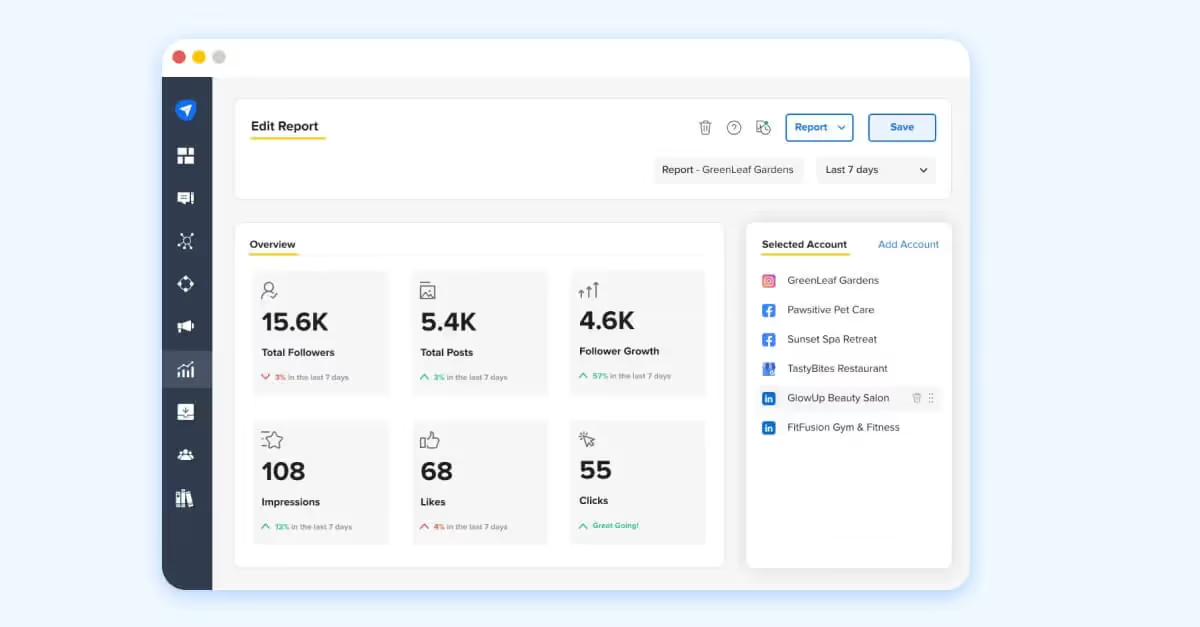
SocialPilot is a lower-cost social media scheudling and management platform built for agencies and small businesses that need publishing and reporting without enterprise pricing. It is positioned as an affordable all-rounder that helps agencies and brands to grow their presence on social.
- Best Fit: Small businesses, smaller agencies, and budget-conscious teams.
- Supported Social Networks: Facebook, Instagram, TikTok, X (Twitter), LinkedIn, Threads, Pinterest, Bluesky.
- Pricing: Paid plans with add-ons, 14-day trial available.
- Core Analytics: Performance analytics and reporting, competitor reporting available in high-tiered plans.
- Competitive Features: Offers white-label reporting along with packages tailored specifically for small to mid-sized agencies.
- Notable limitations/Who it’s not for: Less ideal for in-house social teams that need deeper listening, advanced enterprise analytics, or premium workflow complexity.
- Key Integrations: Google Business, Slack, Zapier, Canva, Unsplash, Dropbox.
What Users Say:
“Implementation was super easy and the integration was a breeze. We use it every day in our roles for the agency and the customer support has been top-notch.” G2
Last updated: May 2026
12. Metricool
Best social media analytics tool for teams that want social and web analytics together
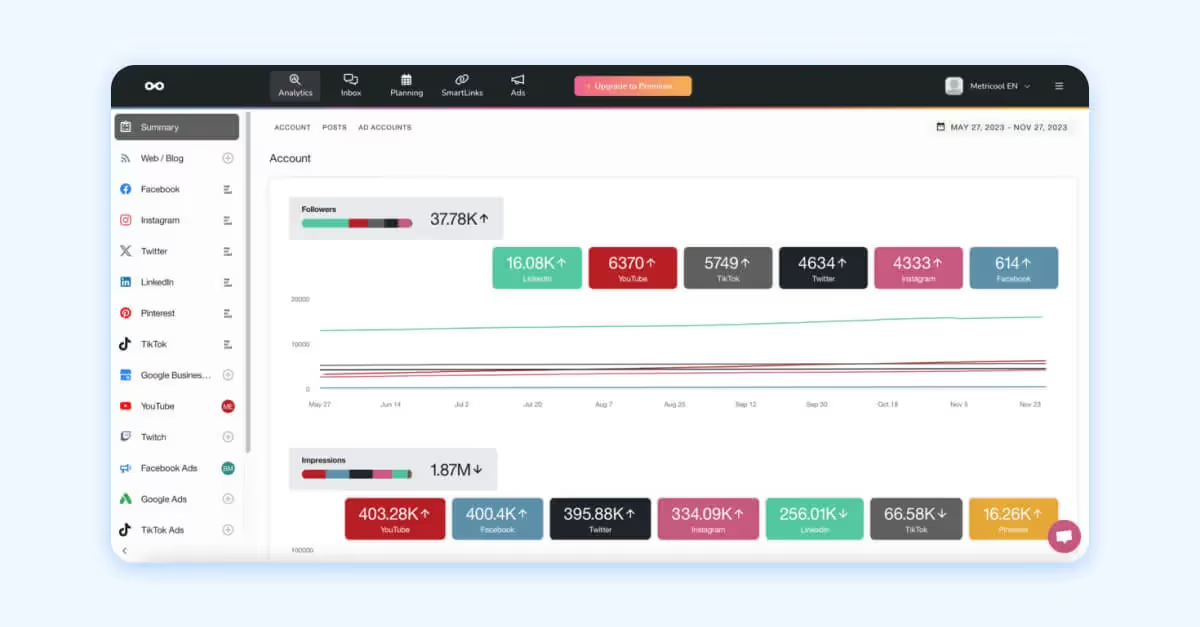
Metricool is built for marketers who want to manage social content, web performance, and ad monitoring in one place. It is especially useful for solo marketers and agencies that want broader digital reporting without a heavy enterprise tool.
- Best Fit: Solo marketers, small teams, agencies, and growing organizations that want broad reporting without enterprise complexity.
- Supported Social Networks: Facebook, Instagram, Threads, X (Twitter), Bluesky, TikTok, LinkedIn, Pinterest, YouTube, Twitch.
- Pricing: Paid plans and custom packages available with a trial. Free plan option.
- Core Analytics: Social analytics, ad monitoring, reporting, competitor tracking, and web analytics.
- Competitive Features: It blends social reporting with website and ad performance in a way many social media analytics platforms do not.
- Notable limitations/Who it’s not for: Less ideal for teams that need advanced enterprise listening or deeply specialized competitive intelligence.
- Key Integrations: Google Business, Canva, Adobe Express, Zapier, Looker Studio.
What Users Say:
“Being able to look at analytics for the brand in one platform saves so much time!” G2
Last updated: May 2026
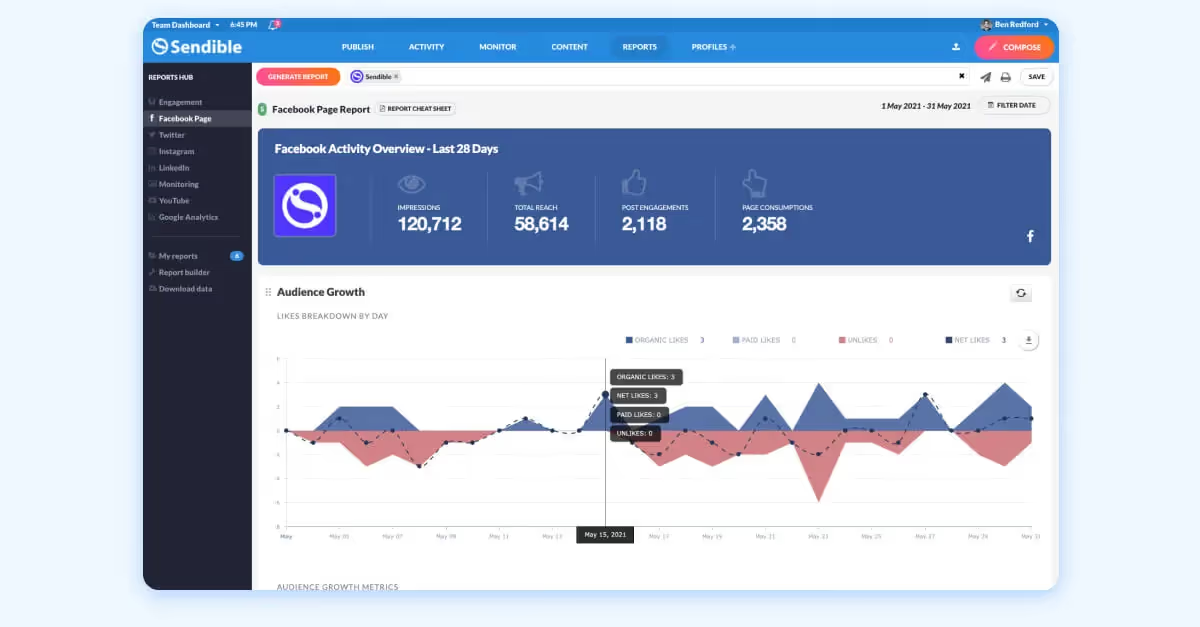
13. Sendible
Best social media analytics tool for multi-client agency workflows
Sendible is designed for agencies and teams that manage multiple clients and want scheduling, reporting, and collaboration in one platform. Its public messaging puts a lot of emphasis on practical day-to-day management rather than analytics alone.
- Best Fit: Agencies first, then small to mid-sized in-house teams with multiple brands or stakeholders.
- Supported Social Networks: Facebook, X (Twitter), Instagram, LinkedIn, TikTok, YouTube, Threads, and Bluesky.
- Pricing: Paid plans with a 14-day free trial.
- Core Analytics: Performance analysis and reporting tied to publishing and engagement workflows.
- Competitive Features: A strong fit for agencies that need client-facing structure and repeatable reporting workflows with a white-label paid add-on option.
- Notable limitations/Who it’s not for: Less ideal for brands that need advanced benchmarking or enterprise-grade listening from the same social media reporting tool.
- Key Integrations: Google Business, Zapier, Dropbox.
What Users Say:
“Easy to connect and get reports quickly for your social posts and engagements.” G2
Last updated: May 2026
14. Sprout Social
Best social media analytics tool for scaling teams with complex needs
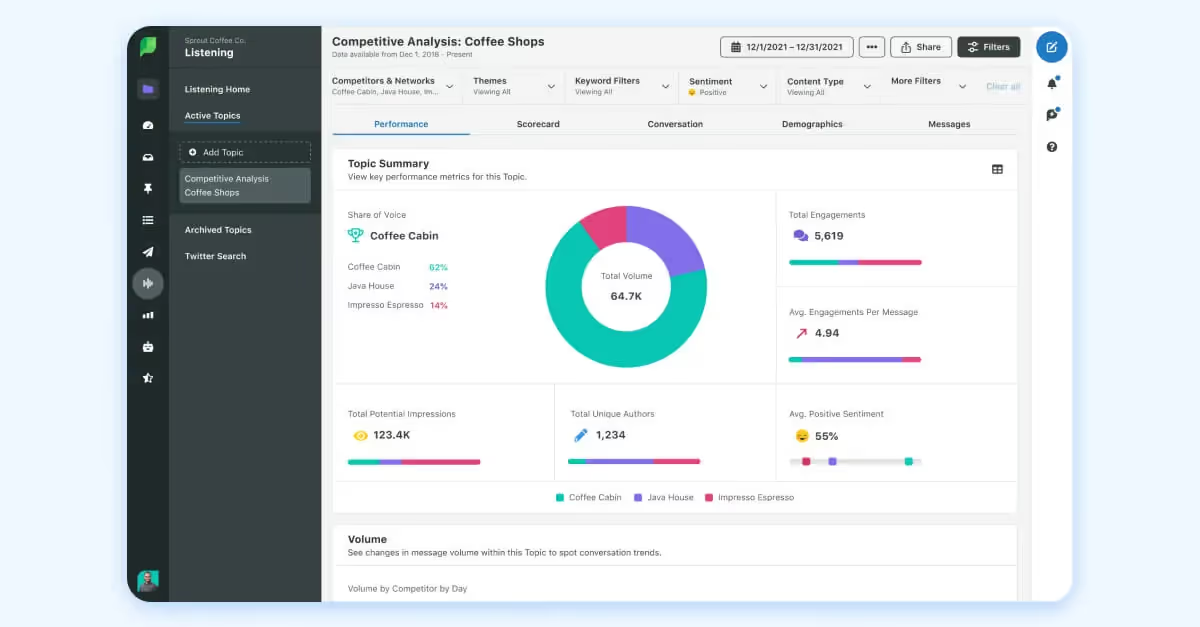
Sprout Social is a full social media management platform built to scale, with analytics, listening, engagement, and workflow tools under one roof. It is one of the more established options for larger teams that need strong reporting plus business system integrations.
- Best Fit: Mid-market and enterprise teams with larger budgets that need stronger governance and reporting than entry-level tools usually offer.
- Supported Social Networks: Bluesky, Facebook, Instagram, LinkedIn, Pinterest, Threads, TikTok, X (Twitter), and YouTube.
- Pricing: Starts at $79 per month for an Essentials plan, with a 30-day trial available.
- Core Analytics: Post-performance reporting, trend and insight discovery, listening, and broader management analytics.
- Competitive Features: Team activity reports, customer care reporting, and paid social performance reporting.
- Notable limitations/Who it’s not for: Less ideal for teams with tight budgets or those that only need lightweight reporting.
- Key Integrations: WhatsApp, Reddit, Tumblr, Salesforce, Tableau, Zendesk, HubSpot, Google Business, Tripadvisor, Trustpilot, Yelp, Shopify, Bitly, Google Analytics, Adobe Express, Canva, Bynder.
What Users Say:
“The analytics are very robust and overall so simple to navigate. Love that you can separate paid vs. organic performance as well as compare from one time period to another.” G2
Last updated: May 2026
15. Brandwatch
Best social media analytics tool for enterprise consumer intelligence
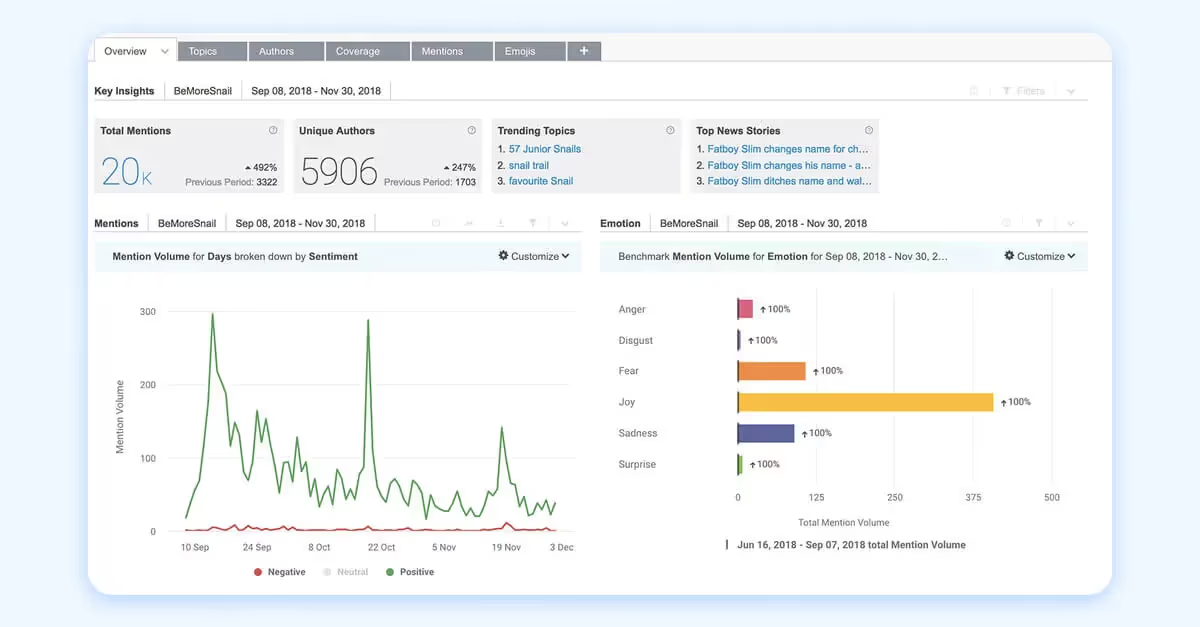
Brandwatch is built for organizations that want social analytics connected to broader consumer research and audience intelligence. It sits closer to the enterprise research end of the market than a standard publishing-and-reporting tool.
- Best Fit: Social team focused on consumer research and broader audience intelligence. It is best known in the market as an enterprise intelligence platform rather than a lightweight social analytics tool.
- Supported Social Networks: Facebook, Instagram, X (Twitter), LinkedIn, TikTok, and YouTube.
- Pricing: Custom pricing and demo-led plans. Does not offer a free trial period.
- Core Analytics: Social media management analytics, consumer research, audience intelligence, and influencer-related analytics, depending on the plan.
- Competitive Features: Strong fit for teams that need social data in the context of broader consumer and market intelligence.
- Notable limitations/Who it’s not for: Less suited for teams that aren’t focused on consumer research or are looking for straightforward, self-serve social reporting solutions.
- Key Integrations: Google Business, Trajaan, HubSpot, Service Now, Dropbox, Bitly, Tipalti, Shopify, Box, Bynder, Zendesk, Salesforce, Neurons, Sociuu, and Story Stream.
What Users Say:
“Brandwatch was fairly user-friendly. I liked all of the analytics capabilities and felt that it did a good job with all of the different reporting capabilities.” G2
Last updated: May 2026
16. Talkwalker
Best social media analytics tool for social listening and media monitoring
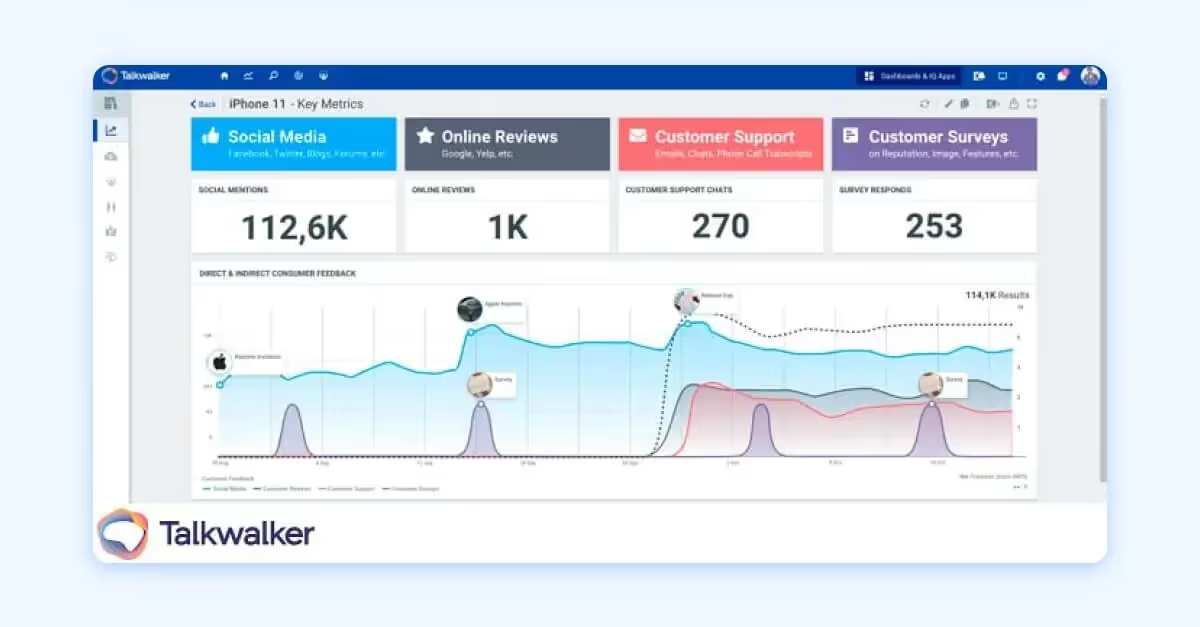
Talkwalker is designed by Hootsuite especially for social listening, media monitoring, and consumer intelligence at enterprise scale. It is a strong fit for brands that need to understand conversations, sentiment, and trends across social, web, and media sources.
- Best Fit: Enterprise communications, PR, insights, and brand teams.
- Supported Social Networks: Major social networks, plus web and media sources.
- Pricing: Custom pricing and demo-led plans.
- Core Analytics: Social listening, media monitoring, sentiment, trend analysis, and broader consumer intelligence.
- Competitive Features: Strong listening depth and coverage beyond social alone.
- Notable limitations/Who it’s not for: Less ideal for teams that mainly need lightweight publishing analytics or a lower-cost all-in-one scheduler.
- Key Integrations: Hootsuite.
What Users Say:
“Robust visualization and drilldown capabilities make it easy to share the data to stakeholders internally and externally.” G2
Last updated: May 2026
17. Buffer
Best social media analytics tool for creators and lean teams
Buffer is built for people who want simple social publishing and lightweight analytics without a steep learning curve. It is one of the clearest fits for solo marketers, creators, and small businesses.
- Best Fit: Creators, solo marketers, startups, and smaller teams.
- Supported Social Networks: Bluesky, Facebook, Instagram, LinkedIn, Mastodon, Pinterest, Threads, TikTok, X (Twitter), and YouTube.
- Pricing: Free plan available, with paid plan options and a 14-day trial.
- Core Analytics: Publishing analytics and simple performance insights through its Analyze toolset.
- Competitive Features: Simplicity and ease of use are the main advantages here.
- Notable limitations/Who it’s not for: Less ideal for brands that need social listening, advanced competitive intelligence, or deep enterprise reporting.
- Key Integrations: Google Business, Canva, Dropbox, Unsplash, Bitly, Google Drive, CrowdRiff, Zapier, and HeyOrca.
What Users Say:
“The analytics are great that show the performance of each post and also buffer is pretty affordable.” G2
Last updated: May 2026
18. Keyhole
Best social media analytics tool for hashtag and campaign tracking
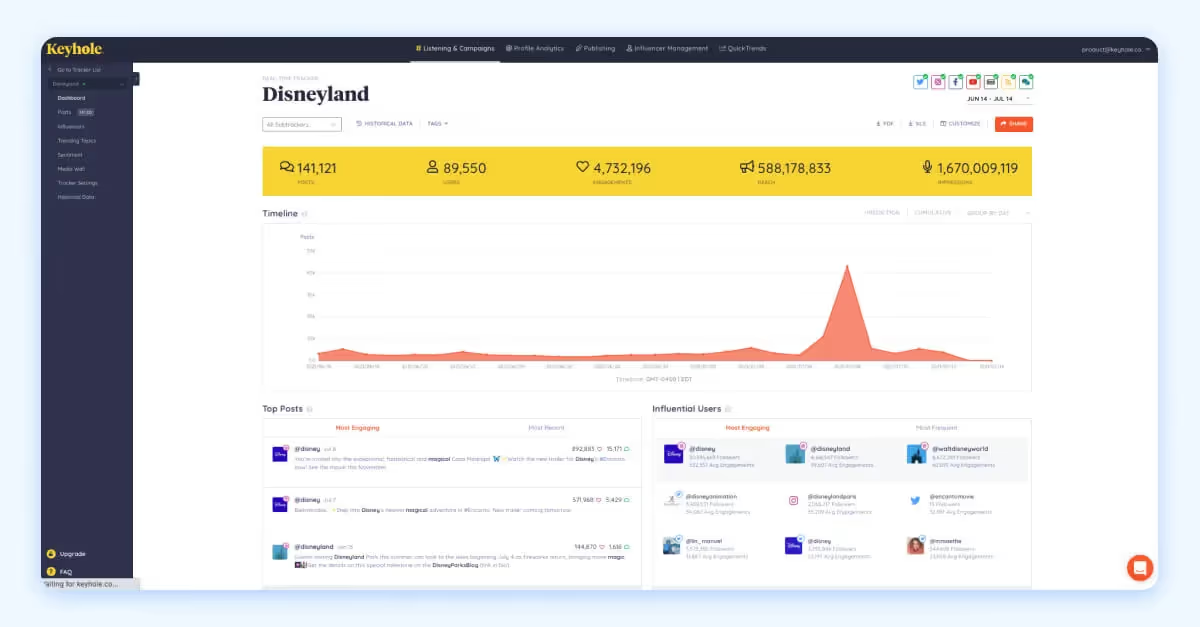
Keyhole is positioned as an analytics and social listening tool focused on hashtags, keywords, accounts, and campaign tracking. Owned by Muck Rack, it is especially useful when the main goal is to monitor conversation and campaign momentum rather than run a full publishing workflow.
- Best Fit: Mid-market marketing teams, PR teams, and agencies that need campaign monitoring and social listening.
- Supported Social Networks: Facebook, Instagram, X (Twitter), TikTok, LinkedIn, YouTube, plus web and media sources.
- Pricing: Custom pricing and demo-led plans.
- Core Analytics: Real-time monitoring, reporting, campaign tracking, and social analytics around keywords and hashtags.
- Competitive Features: Strong fit for brands that care about campaign tracking, brand mentions, and hashtag performance.
- Notable limitations/Who it’s not for: Less ideal for teams that need broad social media management, publishing, or a community and influencer marketing platform.
- Key Integrations: API for custom integrations.
What Users Say:
“My use of Keyhole is purely for tracking campaigns. I like that we can get granular in the settings as to what we are looking for and the breakdown of the info it provides.” G2
Last updated: May 2026
19. Meltwater
Best social media analytics tool for PR and media intelligence teams
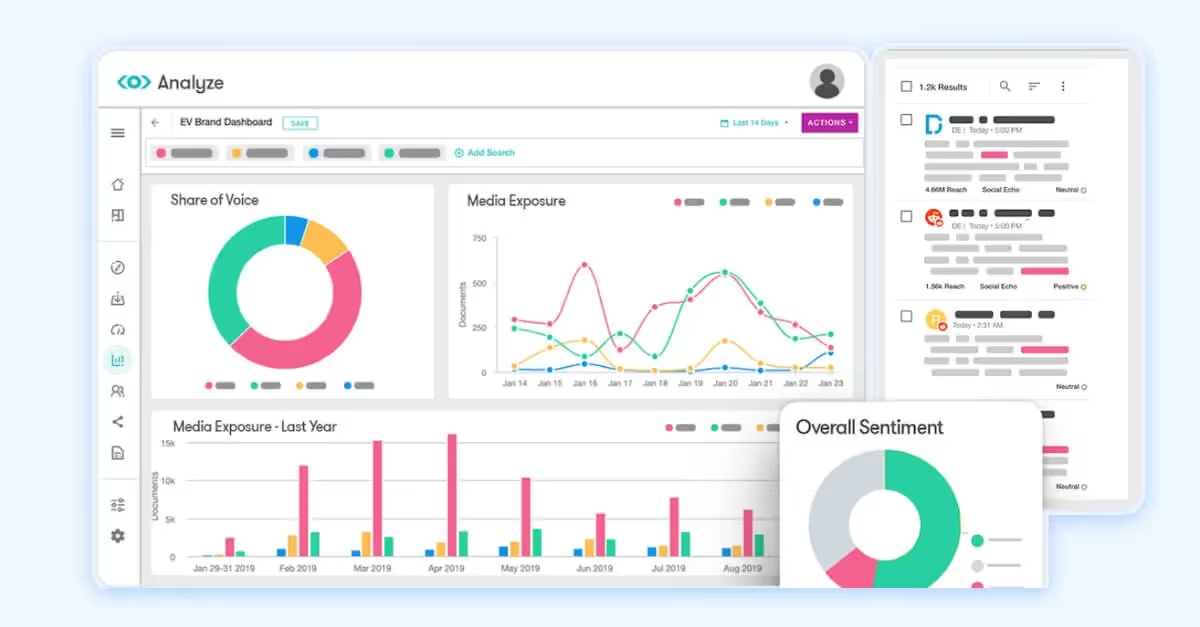
Meltwater is built for media, social, and consumer intelligence, which makes it a strong fit for PR, communications, and research teams that need more than social reporting alone. Its scope is broader than a typical social media dashboard.
- Best Fit: Mid-market to enterprise communications, PR, and brand intelligence teams.
- Supported Social Networks: Major social networks, plus web and media sources.
- Pricing: Custom pricing and demo-led plans. Does not currently offer a trial.
- Core Analytics: Social analytics, media intelligence, and consumer intelligence.
- Competitive Features: Stronger media and PR use cases than most social-only tools.
- Notable limitations/Who it’s not for: Less ideal for small teams that want a lightweight social analytics product.
- Key Integrations: Slack, Bitly, DingTalk, Microsoft Power BI, Looker Studio, DOMO, and Tableau.
What Users Say:
“We love the ability to track trends and keep track of what competitors are doing, and the benchmarking capabilities.” G2
Last updated: May 2026
20. Brand24
Best social media analytics tool for affordable brand monitoring
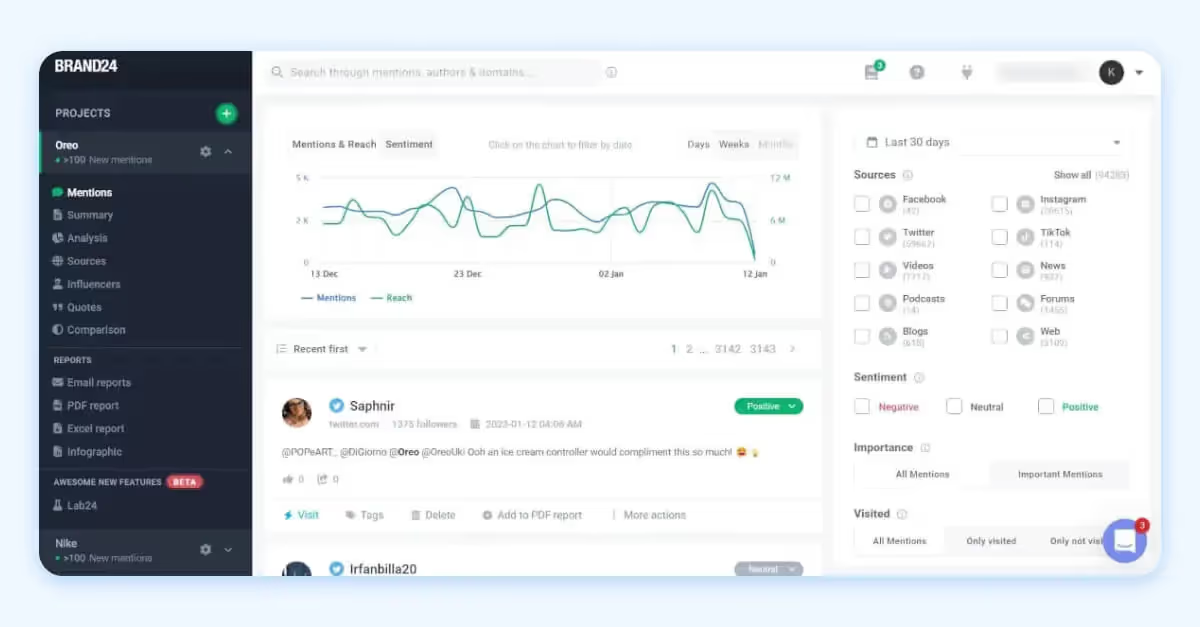
Brand24 is a social listening and brand monitoring platform built for teams that want to track mentions across social, blogs, news, forums, reviews, and podcasts. It is a practical option for teams that want faster setup and a more approachable price than enterprise listening suites.
- Best Fit: Small teams, mid-market brands, and agencies that want affordable listening and monitoring.
- Supported Social Networks: Facebook, Instagram, TikTok, X (Twitter), LinkedIn, YouTube, Twitch, plus web and media sources.
- Pricing: Paid plans starting at $249 per month or $199 billed annually with a 14-day trial.
- Core Analytics: Mention tracking, reach, engagement, sentiment, and competitive monitoring.
- Competitive Features: It brings listening and brand monitoring into a more accessible package than many enterprise tools.
- Notable limitations/Who it’s not for: Less ideal for teams that need robust publishing, complex workflow management, or enterprise governance.
- Key Integrations: Slack, Microsoft Teams, TripAdvisor, Yelp.
What Users Say:
“I appreciate that it gathers data not just from social media but from all public sources, giving me a genuine overview of how my brand is doing, beyond just what people are saying about my product.” G2
Last updated: May 2026
21. SOCi
Best social media analytics tool for multi-location brands
SOCi is built for multi-location marketing, with a strong focus on local visibility, social presence, and reputation management across many locations. It is most relevant for franchises, retail networks, healthcare groups, and similar organizations.
- Best Fit: Enterprise and mid-market multi-location businesses, including franchises and distributed retail or service brands.
- Supported Social Networks: Facebook, Instagram, LinkedIn, and TikTok.
- Pricing: Custom pricing and demo-led plans. Does not currently offer a trial but offers guided product tour videos on-site.
- Core Analytics: Social media marketing analytics, review engagement, and local visibility performance.
- Competitive Features: Strongest fit for localized marketing at scale rather than generic brand-level social reporting.
- Notable limitations/Who it’s not for: Less ideal for single-brand, single-region teams that do not need location-by-location control.
- Key Integrations: Google, Salesforce, Yelp, Apple.
What Users Say:
“It makes scheduling content easier and more efficient, and the analytics provide useful insights to help guide decisions.” G2
Last updated: May 2026
Native Social Media Analytics Platforms
While third-party social media analytics tools offer advanced insights, competitive benchmarking, and deeper audience analytics, many social media platforms provide their own budget-friendly, built-in analytics tools. These native analytics solutions give users direct access to performance metrics, such as engagement rates, audience demographics, and content performance.
However, native analytics come with common limitations, including restricted historical data access, a lack of cross-platform insights, and limited reporting flexibility. In the next section, we’ll explore how native social media analytics tools compare, their strengths, and where they may fall short.
22. TikTok Analytics
Best social media analytics tool for TikTok-native performance tracking
TikTok’s native analytics and business tools are designed for brands and creators that want platform-first performance insight. They are especially useful when TikTok is a core channel, and you want the clearest view of in-platform campaign and audience data.
- Supported Platforms: TikTok only.
- Pricing: Native access through TikTok for Business tools.
- Core analytics offered: Campaign measurement, business performance insight, and access to advertising, creator, commerce, and marketing assets in one workspace.
- Competitive features: Strongest when you want direct, platform-native TikTok analytics performance data.
- Notable limitations/Who it’s not for: Not a cross-channel reporting solution, so it is less useful for teams that need to compare TikTok alongside other social platforms in one dashboard.
- Key integrations: TikTok Ads Manager, Business Center, creators, and commerce tools.
While these built-in social media reporting tools offer a solid starting point for understanding content performance, they come with limitations, such as restricted historical data access and limited customization options for deeper insights. Users can only monitor content and audience engagement over 7-day, 28-day, or 60-day periods, which may not be sufficient for long-term trend analysis.
23. Instagram Analytics
Best social media analytics tool for Instagram-first brands and creators
Instagram’s native insights are built for professional accounts that want to measure content performance, audience activity, and growth directly inside the platform. It is the most direct way to understand Instagram-specific performance.
- Supported Platforms: Instagram only.
- Pricing: Native access for professional use.
- Core analytics offered: Account insights, audience insights, and content performance through Instagram and related Meta tools.
- Competitive features: Best source for Instagram analytics and audience data.
- Notable limitations/Who it’s not for: Not built for multi-channel reporting, deeper benchmarking, or broader social management.
- Key integrations: Tied closely to Meta Business Suite and Meta’s broader business tools.
While these insights provide a good snapshot for understanding audience behavior right now, Instagram’s built-in analytics have limitations, such as restricted historical data access and a lack of customizable reporting. For brands and marketers looking to supercharge their Instagram growth, third-party social media measurement tools may offer a more comprehensive solution.
24. Facebook Analytics
Best social media analytics tool for Meta ecosystem reporting
Facebook’s native analytics sit inside Meta’s business tooling and are best suited to brands already operating inside the Meta ecosystem. They help connect Facebook and Instagram activity in one free environment.
- Supported Platforms: Facebook, with cross-app insight through Meta Business Suite for Facebook, Messenger, and Instagram.
- Pricing: Free through Meta Business Suite.
- Core analytics offered: Business insights and activity tracking across Facebook and Instagram accounts.
- Competitive features: Useful for teams that want native Meta performance data without paying for a third-party social media reporting tool.
- Notable limitations/Who it’s not for: Less useful for cross-channel reporting outside Meta or advanced competitor analysis.
- Key integrations: Native connection across Facebook, Messenger, and Instagram through Meta Business Suite.
Overall, Facebook analytics offers a lot of performance metrics, but for more advanced analysis and extended data retention, brands focused on developing a strong Facebook marketing strategy might consider a third-party social media analytics platform.
25. Pinterest Analytics
Best social media analytics tool for Pinterest campaign measurement
Pinterest Analytics is built for business accounts that want to understand Pin performance, audience behavior, and campaign impact. It is a strong fit for brands using Pinterest for discovery, shopping, or upper-funnel planning.
- Supported Platforms: Pinterest only.
- Pricing: Free with a Pinterest business account.
- Core analytics offered: Pinterest Analytics, A/B testing, overview metrics, top boards and Pins, audience insights, and campaign measurement.
- Competitive features: Strong native measurement for a platform where shopping and discovery matter.
- Notable limitations/Who it’s not for: Not useful as a general social reporting hub, since it only covers Pinterest.
- Key integrations: Public pages highlight third-party measurement partners alongside native social analytics tools.
While Pinterest Analytics is a good starting point for understanding content visibility and engagement, marketers needing extended data retention and more detailed reporting may turn to third-party analytics platforms for deeper insights and analysis.
26. YouTube Analytics
Best social media analytics tool for video-first performance reporting
YouTube Analytics is built into YouTube Studio and is designed to help creators and brands understand channel and video performance in detail. It is one of the stronger native analytics environments among social platforms.
- Supported Platforms: YouTube only.
- Pricing: Free in YouTube Studio.
- Core analytics offered: Channel and individual video performance, expanded reports in Advanced Mode, performance comparisons, and exports.
- Competitive features: Strong depth for native video analysis and performance comparison.
- Notable limitations/Who it’s not for: Less useful for teams that need a single dashboard across multiple social platforms.
- Key integrations: Native to YouTube Studio, with export and grouping features rather than a wider social management ecosystem.
Despite its advantages, YouTube Analytics does have some limitations, including data updates that can be delayed, low-traffic channels may have restricted data access, and API usage is subject to quota limits, affecting the ability to retrieve analytics programmatically. To maintain long-term access to historical data, creators should regularly export and securely store their reports.
27. X (Formally Twitter) Analytics
Best social media analytics tool for X-native campaign reporting
X’s native analytics are still most useful for brands and advertisers that care specifically about X performance. Public product detail is lighter than it is for some other major networks, so this is a more limited native option from a transparency standpoint.
- Supported Platforms: X only
- Pricing: Basic analytics is free for all users; account performance and audience insights may require an X Premium subscription.
- Core analytics offered: Native campaign and business measurement through X’s advertising and business environment.
- Competitive features: Useful when X is an important paid or organic channel, and you want direct platform data.
- Notable limitations/Who it’s not for: Public product detail is more limited than on other networks, and it is not a cross-channel analytics solution.
- Key integrations: Closely tied to X's business and advertising tools.
However, X analytics has its limitations. Historical data access is restricted, reporting features lack customization, and advanced audience segmentation is limited. For those needing more in-depth trend analysis, competitor tracking, or enhanced reporting, third-party social marketing tools might be the best route.
28. Snapchat Analytics
Best social media analytics tool for Snapchat creators and publishers
Snapchat’s native analytics are built for public profiles and creator-style publishing. They help brands and creators understand audience behavior, story performance, and profile growth directly inside Snapchat.
- Supported Platforms: Snapchat only.
- Pricing: Free, subject to eligibility requirements.
- Core analytics offered: Audience insights, content insights, posting activity, 28-day summaries, and public profile metrics.
- Competitive features: Useful for teams focused on Snapchat-native content performance and audience engagement.
- Notable limitations/Who it’s not for: Not designed for cross-platform reporting or broader social media management.
- Key integrations: Native to Snapchat public profiles and related business tools.
Like any platform, Snapchat's insights are helpful, but they do have their limitations. With the help of third-party social media analytics software, brands will have access to more comprehensive and customizable reporting, more robust analytics, and more overall insight into how their audience is really responding to their content.
Native Analytics Reporting Limits by Platform
One of the biggest challenges with native social media analytics is inconsistency. Each platform sets its own rules around date ranges, data retention, and reporting flexibility, which can make long-term analysis and cross-channel reporting more difficult. The chart below gives a quick look at the main reporting limits across the most common native social analytics tools.
Last verified: May 2026
How We Evaluated These Tools
To make this list as fair and useful as possible, we evaluated every platform against the same core criteria and weighted scoring model. Our goal was to compare tools based on what matters most to social teams, not just what looks good on a feature page. The scoring weights are directional, designed to show which factors carried the most priority and which mattered less in the overall evaluation.
We based this comparison on publicly available information from:
- Official product websites and help documentation.
- Official pricing pages, free trial, and demo information.
- Major software review sites, including G2 and similar trusted review platforms.
- Public product materials that describe platform support, reporting capabilities, integrations, and notable limitations.
We included tools that clearly offer social media analytics or reporting as a core part of the product, support at least three to four major social platforms, and have enough public product and pricing information to evaluate in a consistent way. We also focused on tools that are actively marketed to brands, marketers, agencies, creators, or social teams.
Because software changes frequently, features, pricing, integrations, and trial terms may change after publication.
Why Are Social Media Analytics Tools Important?
Social media analytics tools are important because they help marketers understand what’s working, what needs to change, and where to focus next. They give teams visibility into audience behavior, content performance, campaign results, and competitive trends, making it easier to create more effective social strategies.
With the right analytics in place, teams can spot opportunities earlier, improve underperforming tactics, and make better decisions based on real performance data. That leads to sharper strategy, more efficient resource allocation, and stronger results over time.

Custom analytics and reporting made simple.
Uncover at-a-glance stats, your top performing creative and more.
Discover Analytics and Custom ReportingSocial Media Analytics Tools FAQs
How do you analyze content performance across different social networks?
To analyze content performance across social networks, compare core metrics like engagement, reach, impressions, and conversions, adjusting for differences in how each platform measures performance. Then look for patterns in top-performing content and use those insights to refine your strategy by channel.
How do I compare social media tools with audience targeting features?
To compare social media tools with audience targeting features, look at how each one segments audiences and how customizable those segments are. You’ll also want to consider ad platform integrations, available data sources, and whether the tool supports custom audience syncing. From there, assess how easy it is to apply that targeting to campaigns, personalize content, and measure results.
What’s the difference between analytics tools and management tools?
A social media analytics tool helps you measure performance, track key metrics, and understand what’s working. A social media management tool helps you plan, schedule, publish, and manage content across platforms. In short, management tools support execution, while analytics tools help you evaluate and improve it.
Which platform offers campaign-level performance tracking across social media?
Several platforms offer campaign-level performance tracking, including Dash Social, Sprout Social, Agorapulse, Social Status, and Rival IQ. The best choice depends on whether you need cross-channel reporting, competitive benchmarking, or campaign tracking tied to broader social media management workflows.
What are the best tools for monthly social media performance reports?
Dash Social, Sprout Social, Social Status, and Agorapulse are strong options for monthly reporting. They offer automated reports, customizable dashboards, and export features that make it easy to track performance over time and share results with stakeholders.
What software provides real-time performance reporting across social?
Dash Social, Hootsuite, Sprout Social, and Keyhole provide near real-time reporting. These social media analytics tools help teams monitor performance as it happens, making it easier to respond quickly to trends and optimize campaigns in progress.
Which tools automate social campaign analytics and reporting?
Social Status, Agorapulse, Sprout Social, and Sendible automate campaign tracking and reporting. They support scheduled reports, campaign tagging, and performance summaries, so teams can reduce manual work and stay consistent.
How can I track visual content performance across networks?
To track visual content performance, use tools that analyze post-level engagement and creative elements across platforms. Dash Social, Iconosquare, and Rival IQ are known for helping teams evaluate how images and videos perform and identify patterns in top-performing creative.
Which platforms offer audience behaviour analytics?
Dash Social, Sprout Social, Brandwatch, and Talkwalker provide deeper audience insights, including demographics, interests, and engagement patterns. These insights help teams better understand how audiences interact with content.
Who offers cross-platform analytics in a unified dashboard?
Dash Social, Sprout Social, Hootsuite, and Vista Social bring performance data into a single view. This makes it easier to compare channels, track overall performance, and manage social reporting without switching between platforms.
How do I track engagement trends using social analytics software?
Most social analytics tools allow you to track engagement trends by analyzing metrics like likes, comments, shares, and engagement rate over time. Look for features such as trend lines, time-based reporting, and benchmarking to identify patterns and measure progress.
Which software offers AI-powered social media insights?
Dash Social, Sprout Social, Brandwatch, and Talkwalker offer AI-powered insights. These tools surface trends, highlight performance patterns, and provide recommendations based on large volumes of social data.
Try Dash Social Today
Less busywork, more growth. Find out how to save 10 hours each week with Dash Social.
Get a demo