How To Enhance Social Media Accessibility for Everyone
Practical ways to create more inclusive social content that reaches and resonates with everyone.
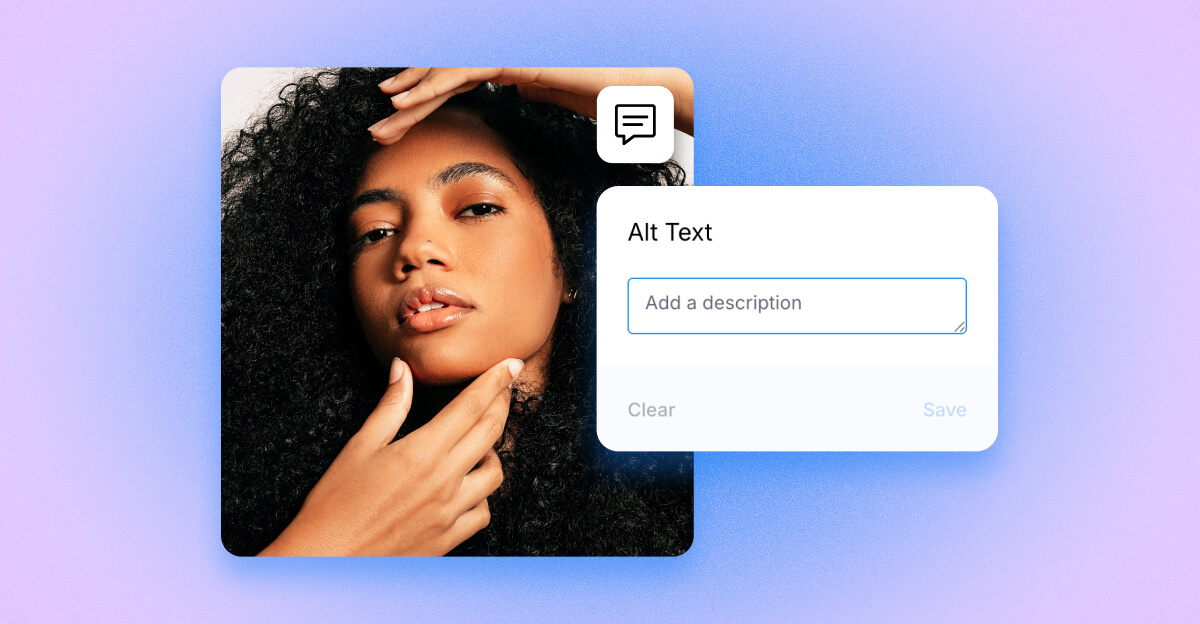

Social media is a powerful tool for connection, and it should be accessible to everyone.
From discovering trends to consuming news, people rely on social platforms every day. When content is not accessible, it can unintentionally exclude entire audiences. The good news is that small, intentional changes can make a big difference for both inclusivity and performance.
In this guide, we’ll break down what accessibility means on social media, why it matters, and the simple steps you can take to improve it today.
Key Takeaways:
- Accessibility on social media means making content Perceivable, Operable, Understandable and Robust (POUR) so people with diverse abilities can use it.
- High-impact actions: add accurate alt text, include captions/transcripts for audio/video, meet WCAG contrast (4.5:1 for normal text; 3:1 for large text), use PascalCase for multiword hashtags, and write plain, inclusive language.
- Dash Social helps: Scheduler for adding alt text and captions while you plan, Social Listening to surface accessibility feedback, and Insights to measure performance difference.
What Does Accessibility Mean on Social Media?
Social media accessibility is about removing barriers so people of all abilities can engage with your content, including those with visual, hearing, cognitive, or motor differences.
A helpful way to think about this is through the POUR framework:
- Perceivable - Content can be seen or heard, such as alt text and captions.
- Operable - Users can interact with it easily.
- Understandable - Content is clear and easy to follow.
- Robust - Works across devices and assistive technologies.
If your content meets these principles, you're creating a more inclusive experience for everyone.
Why Accessibility Matters
Accessibility isn’t just about inclusivity (though that’s a big part of it). It also makes your content perform better across the board. When your content is accessible, you naturally reach more people because more people can actually engage with it. And when things are clear and easy to consume, engagement goes up too.
It also boosts discoverability. Features like captions, transcripts, and well-structured text help search engines and AI better understand your content, which means it’s more likely to get surfaced.
On top of that, accessibility reduces friction. Fewer barriers equals a smoother experience for your audience.
At the end of the day, accessible content simply performs better and just as importantly, it ensures everyone has the opportunity to access what you’ve created.
High-Impact Accessibility Best Practices
Incorperating accessibility best practices into your social media marketing strategy on a daily basis can feel overwhelming at first, but focusing on a few main areas will make the biggest impact.
1. Add Alt Text to Images
Alt text helps screen readers describe images to users who are visually impaired. While it was originally mostly found on images outside of social platforms, websites like Facebook, Instagram and LinkedIn now make it easy to add alt text to images. Here’s a best-practice example of how to write effective image alt text.
- Bad: “IMG_1234”
- Better: “Woman smiling at camera”
- Best: “Woman in white coat demonstrating how to floss teeth to a child”
Tip: Use the “close your eyes” test. Your description should clearly explain the image.
With Dash Social, you can add alt text directly in the Scheduler while planning your content, Here’s a step-by-step example.

2. Add Captions and Transcripts to Video
Another simple way to make your social content more accessible is by being intentional with the text you use across your profiles, captions, and ads.
Captions are a great place to start. They make your content accessible to people who are deaf or hard of hearing, as well as anyone watching without sound. They also improve comprehension, support non-native speakers, and can increase watch time. While auto-generated captions are helpful, it’s best to edit them and include transcripts for longer content.
Here’s a simple breakdown of best practices for video captions and transcripts:
- Bad: no captions
- Better: auto-generated captions unedited
- Best: edited captions + transcript link: “[00:00] Intro - why flossing matters; [00:22] Demo: floss technique…”
In this example, Victoria Beckham Beauty (@victoriabeckham and @victoriabeckhambeauty) keeps emoji use minimal and writes a caption that clearly describes what’s happening in the Reel. So when it’s read aloud, it’s easy to follow and understand.

3. Use Clear, Inclusive Language
Keep your language clear and easy to understand, skip overly decorative fonts and symbols, and use PascalCase for hashtags (like #SocialMediaTips) so they’re easier to read. It’s also important to be mindful of your wording. Aim for language that’s inclusive and avoids anything ableist or exclusionary.
Here’s a quick example of best practices for hashtags:
- Bad: #supportsmallbusiness
- Better: #SupportSmallBusiness
- Best: #SupportSmallBusiness - paired with a bit of context (e.g., “Local makers spotlight this Friday.”)
Small tweaks like these can go a long way in making your content easier for everyone to read and engage with.

4. Design Accessible Visuals
In addition to making your spoken content more accessible, your visuals matter too. When designing content, it’s important to follow a few accessibility best practices. This includes meeting WCAG contrast guidelines (like a 4.5:1 ratio for text), avoiding flashing or strobing visuals, limiting text-heavy graphics, and using clean, easy-to-read layouts. These choices help ensure your content is usable for a wider audience.
In this example from MECCA, they use product close-ups to reduce overly harsh color contrast and keep the visual simple. This makes it easier to view and understand for a range of eyesight levels.

5. Be Mindful With Emojis and Memes
Incorporating trendy emojis and popular memes can add personality to your content, but it’s important to use them thoughtfully.
Screen readers may misinterpret or skip emojis altogether, and memes often rely on visuals that aren’t fully accessible. That means some users could miss the context or meaning entirely. As a best practice, use emojis and memes sparingly, and make sure your message still makes sense without them.
In this example from Hulu, they share a clip from Godzilla vs. Kong to grab attention and encourage viewers to watch. Their caption avoids emojis and uses Pascal Case in their hashtags, making it clear, readable, and easy to understand for a wider audience.

Quick Do’s and Don’ts for Accessible Content
If you’re not sure where to start, these quick guidelines can help. Think of them as small, practical tweaks that make a big difference in how accessible, and effective, your content is.
Before you hit publish, use this quick checklist to make sure your content is accessible to as many people as possible:
☐ Alt text is added for all meaningful images.
☐ Captions and/or transcripts are included for all video and audio content.
☐ Color contrast meets WCAG guidelines (4.5:1 for normal text, 3:1 for large text).
☐ PascalCase is used for multi-word hashtags (e.g., #SocialMediaTips).
☐ Language is clear, inclusive, and free of ableist terms.
☐ Emojis are used minimally (no emoji-only posts).
☐ No flashing or strobe visuals are used.
☐ Links are descriptive (avoid phrases like “click here”).
☐ Decorative fonts that break screen readers are avoided.
Platform Accessibility Cheatsheet
Every platform has its own quirks when it comes to accessibility. Use these quick tips as a guide when you’re publishing content across channels:
Instagram accessibility tips
- Add alt text when uploading images (Advanced settings → Write Alt Text).
- Upload or edit captions for Reels and video content.
- Use PascalCase hashtags and keep emojis/fonts simple.
With Dash Social: Add alt text in Scheduler and track performance with Insights.
TikTok accessibility tips
- Use the in-app caption editor or upload SRT files for longer videos.
- Avoid flashing visuals or rapid cuts.
- Add a short transcript in the caption when needed.
- Use clear, high-contrast thumbnails.
With Dash Social: Plan captioned posts in Scheduler and monitor feedback with Social Listening.
YouTube accessibility tips
- Upload accurate captions and include a full transcript.
- Add chapter markers and descriptive titles.
- Make sure thumbnails have strong contrast.
With Dash Social: Compare watch time for captioned vs. non-captioned videos in Insights.
Facebook accessibility tips
- Add alt text to images and review auto-generated captions on videos.
- Keep copy clear and avoid ASCII art or overly stylized text.
With Dash Social: Bulk-schedule posts with alt text and monitor feedback with Listening.
LinkedIn accessibility tips
- Add alt text to images and captions to videos.
- Use clear headlines and short, scannable paragraphs.
With Dash Social: Schedule posts with alt text and measure performance with Insights.
Pinterest accessibility tips
- Add descriptive alt text to Pins.
- Use readable overlay text with strong contrast.
- Include clear, accessible links and CTAs.
With Dash Social: Schedule Pins with alt text and track engagement trends in Insights.
Make Accessibility Part of Your Workflow
Accessibility does not require a complete overhaul. Small changes like adding alt text or captions can have a big impact. Making accessibility part of your workflow is the easiest way to stay consistent and scale your efforts over time.
Instead of treating it as a final step, try building it into your process from the start. That can look like adding alt text and captions as you create content, including accessibility best practices in your brand guidelines, and doing a quick review before anything goes live.
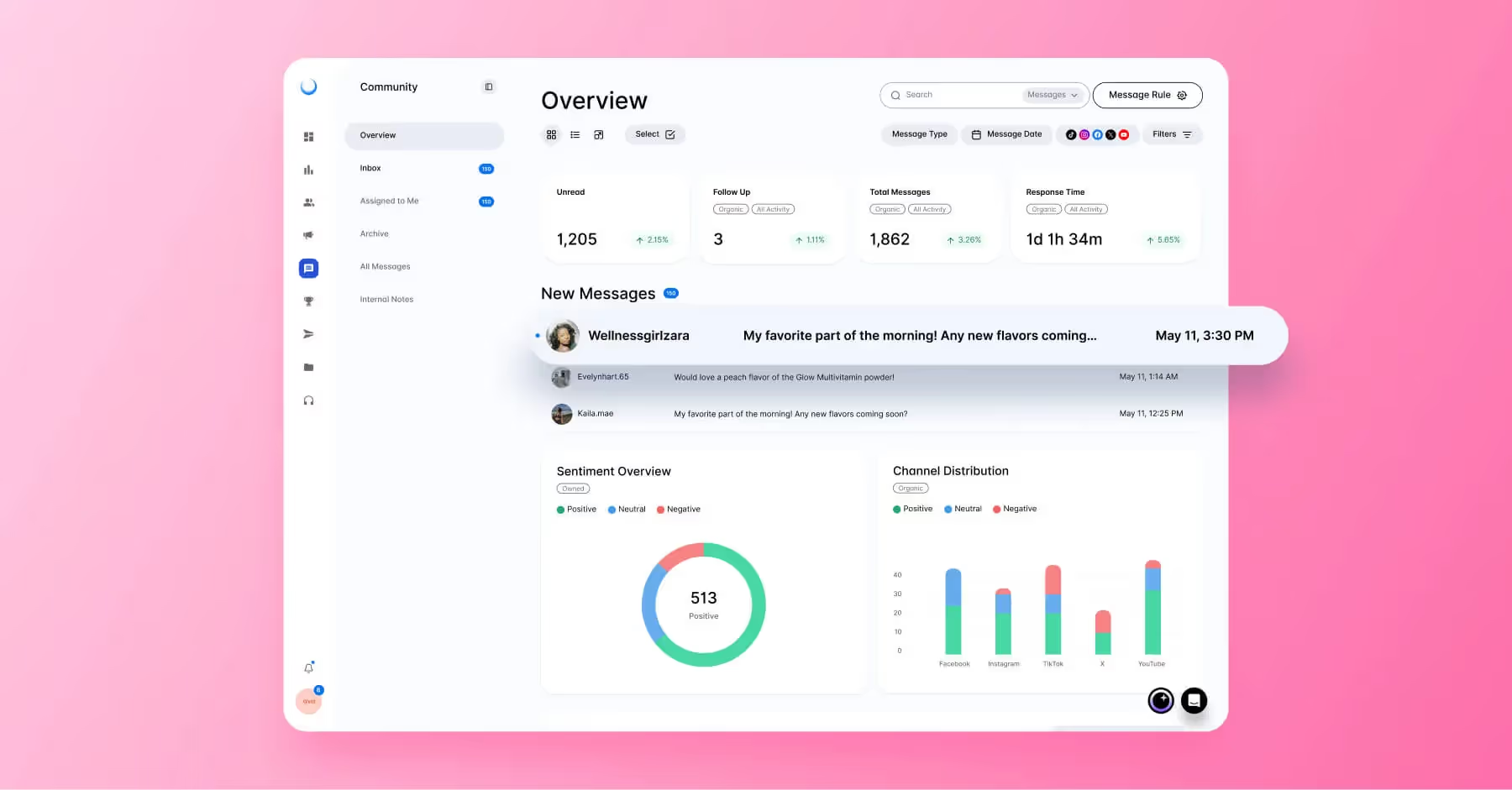
With Dash Social, this becomes even easier to manage day-to-day. You can add alt text and captions directly in the Scheduler while planning your posts, use Social Listening to spot accessibility feedback from your audience, and tap into Insights to see how your content is performing.
When accessibility is baked into your workflow, it becomes second nature and by making your content more inclusive, you improve reach, engagement, and overall performance.

Try Dash Social Today
Less busywork, more growth. Find out how to save 10 hours each week with Dash Social.
Get a demoSocial Media Accessibility FAQs
How can social media be more accessible?
Add alt text to images, include captions and transcripts for video and audio, and use clear, simple language. Avoid excessive emojis, decorative fonts, and hard-to-read visuals to ensure your content is usable for everyone.
What are the four aspects of accessibility?
The four aspects are Perceivable, Operable, Understandable, and Robust (POUR). Together, they ensure content can be accessed, navigated, and understood across different devices and abilities.
What is the most accessible social media platform?
There is no single most accessible platform. Instead, evaluate platforms based on features like alt text support, captioning, and screen reader compatibility. While platforms like X and YouTube are often recognized for strong accessibility features, most major platforms continue to improve.


.jpg)