The 10 Best Link in Bio Tools in 2026
Compare the best link in bio tools for brands in 2026, including pricing, analytics, ecommerce features and social commerce use cases.
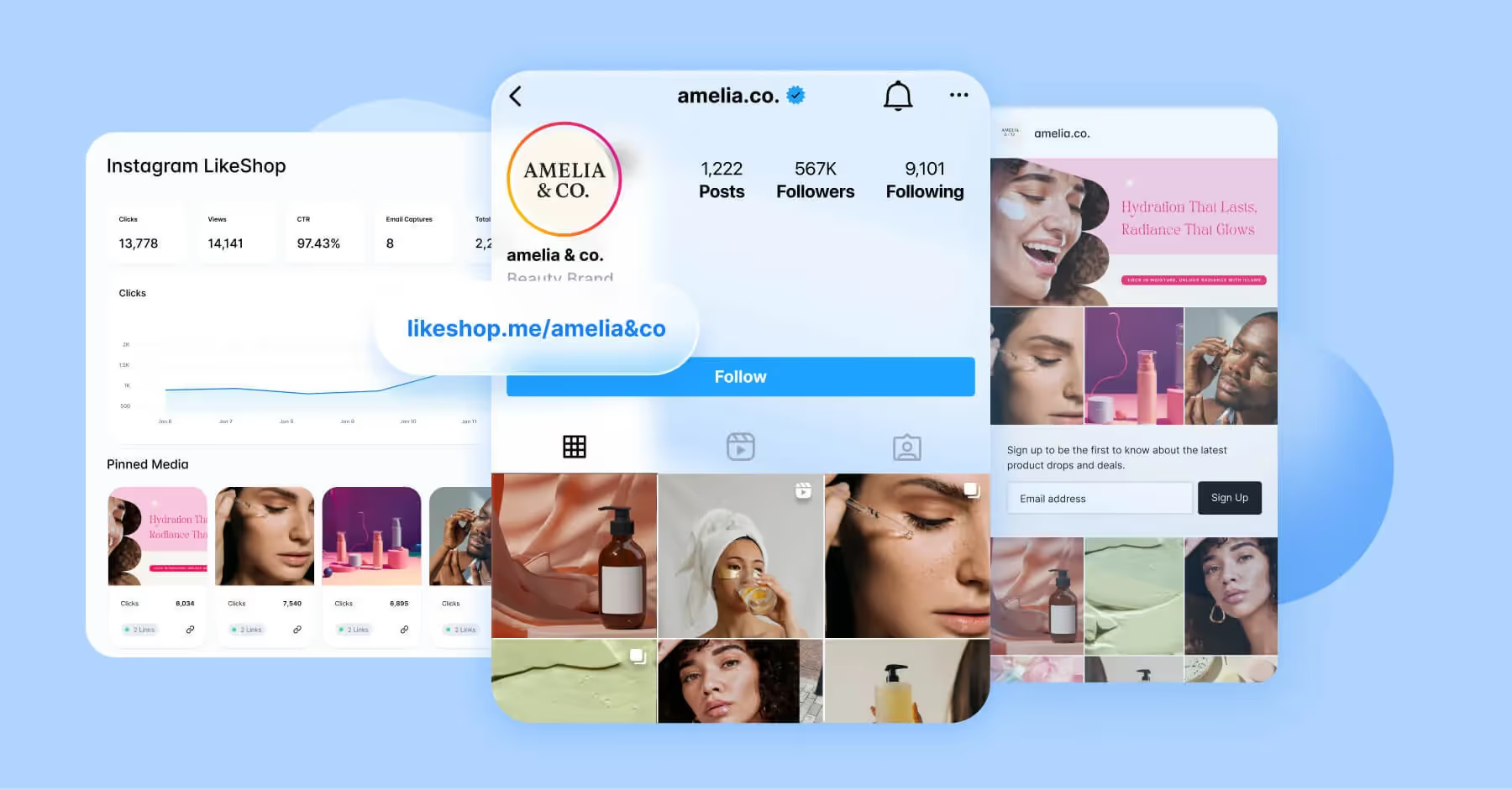

Without a clear path from social content to owned channels, brands lose valuable traffic, product discovery and conversion opportunities. Link in bio tools help turn profile visits into measurable action by giving audiences one simple place to shop products, read content, book appointments, or watch videos.
Even now, as platforms like Instagram support multiple profile links, native profile links still have limits. They're not always easy to brand, organize, measure or connect to revenue. A dedicated link in bio tool gives social teams more control over the mobile experience, campaign routing, UTMs, analytics, ecommerce links and conversion paths that turn engagement into business results.
Below, we compare 10 popular link in bio tools for 2026, with a focus on the features that matter most to brands: shoppability, mobile UX, customization, analytics, integrations, governance and pricing.
Key Takeaways:
- Link in bio tools help brands turn social profile traffic into product discovery, campaign engagement, site visits and conversions.
- Instagram may allow multiple profile links, but brands still need dedicated tools for stronger branding, measurement and shoppable experiences.
- Pricing ranges from free plans and low-cost creator tools to enterprise social commerce platforms.
- Brands should evaluate link in bio tools on analytics depth, ecommerce integrations, UTM and pixel support, custom domains, mobile speed, governance and conversion reporting.
- The best tool depends on your goal: simple link organization, creator monetization, campaign tracking, ecommerce traffic or full social commerce attribution.
What Does ‘Link in Bio’ Mean?
A link in bio is the clickable URL or link hub placed in a social media profile. On platforms like Instagram, TikTok, YouTube, X and Threads, brands use this profile link to guide followers from social content to owned or high-value spots.
A native profile link can send people to a small number of locations, but a link in bio tool turns that profile link into a branded landing page. Instead of changing one URL every time a new campaign launches, brands can use a link hub to feature multiple products, posts, videos, events, forms, stores and content experiences. The right link in bio tool connects social engagement to measurable outcomes like clicks, product views, conversions, revenue, email signups, bookings and content engagement.

How We Evaluated the Best Link in Bio Tools
We reviewed each tool based on its fit for brand and creator use cases, public pricing, mobile experience, customization, analytics, ecommerce capabilities, integrations, team workflow features and overall usefulness for turning social traffic into action.
The best tools help teams understand which content drives traffic, which destinations convert, how social visitors move through the funnel and where link in bio pages can support larger social commerce and campaign strategies. Use this table to quickly compare best fit, pricing and considerations before reading more about the tools below.
Quick Comparison: Best Link in Bio Tools for 2026
Disclaimer: The information in this article is accurate as of the publication date. Product features, availability, and pricing are subject to change and may be updated over time.
10 Best Link in Bio Tools
1. Dash Social
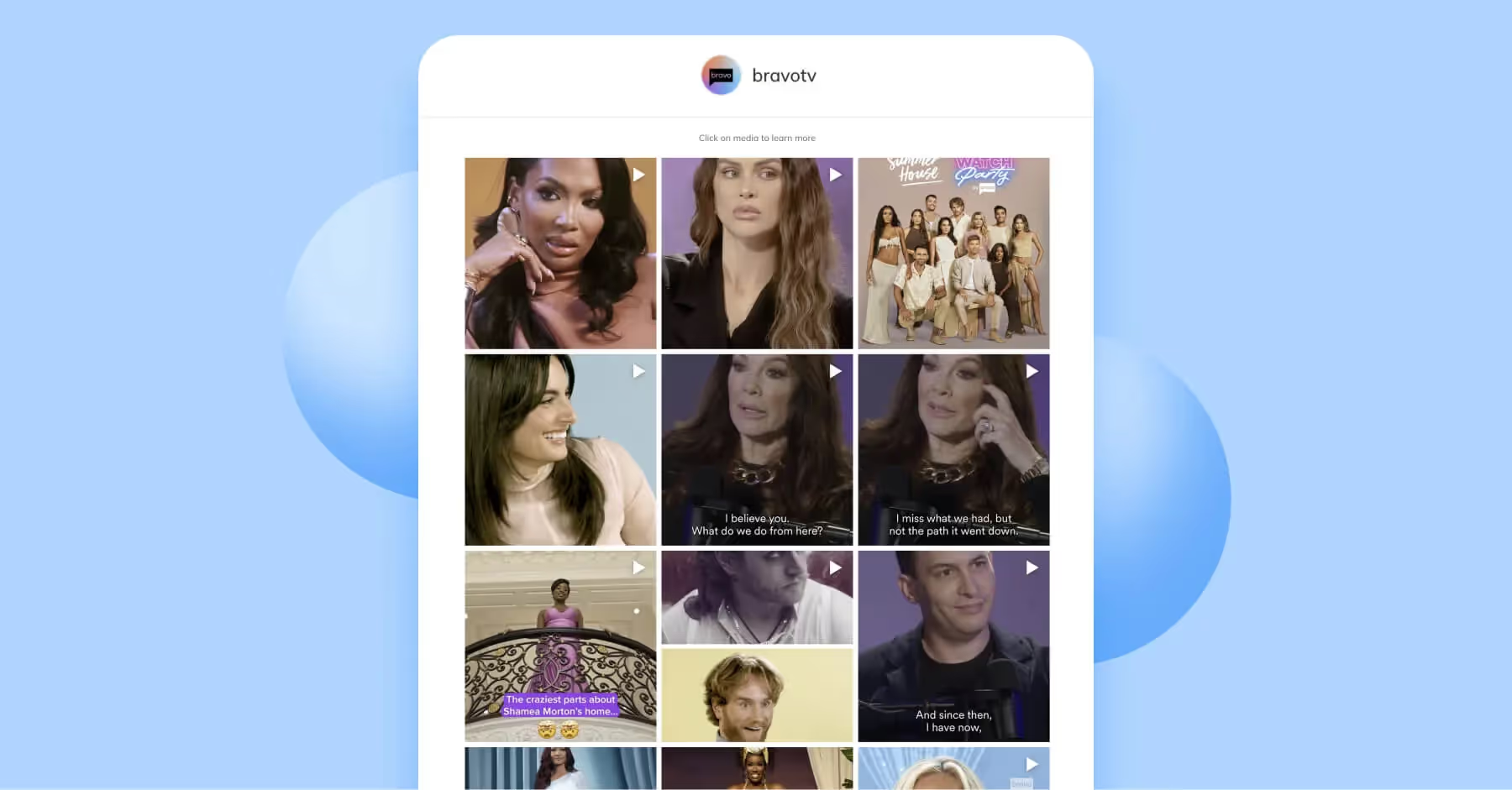
Dash Social’s link in bio tool, LikeShop, helps brands turn social content into shoppable, trackable landing experiences. Instead of sending audiences to a generic homepage, brands can guide users from specific posts, videos and campaigns to relevant product pages, content hubs or conversion destinations. This makes LikeShop especially useful for brands that want to connect social engagement with ecommerce traffic and owned-channel performance.
Best for: Beauty, fashion, retail, food and beverage, media, enterprise social commerce teams.
Pricing: Dash Social plans start at $999 per month, with a 14-day trial available.
Brand strengths:
- Built for brand and enterprise social teams.
- Strong fit for shoppable social content, retail campaigns and product discovery.
- Visual layouts help users move from social posts to relevant products or content.
- Works best when paired with a broader social commerce and reporting strategy.
Considerations:
- Best for brands with a robust social strategy, needing more than a link-in-bio solution.
2. Linktree
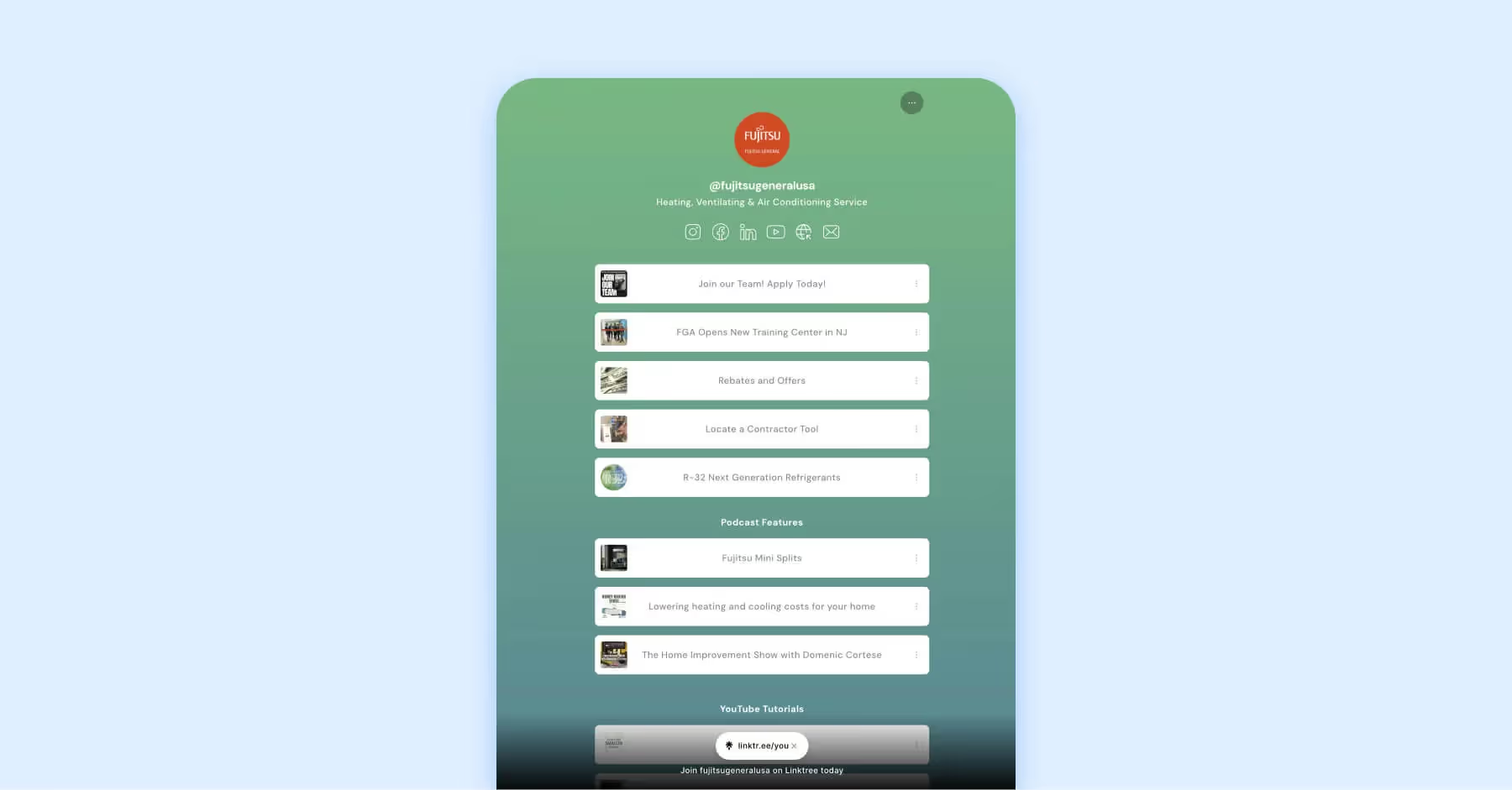
Linktree remains one of the most recognizable link in bio tools because it's fast to set up and easy to use. Brands can add links, buttons, social icons, ecommerce destinations, forms, videos and QR codes without needing a developer. It's a practical choice for teams that need a simple, recognizable link hub with flexible paid tiers.
Best for: Creators, small businesses, solopreneurs, early-stage brands and teams that need a fast link hub.
Pricing: Free plan available. Paid plans are Starter at $6/month billed annually or $8 monthly, Pro at $12/month annually or $15 monthly and Premium at $30/month annually or $35 monthly.
Brand strengths:
- Very quick setup and familiar user experience.
- Free plan makes it easy to test before committing.
- Paid tiers add stronger customization, analytics and commerce-oriented features.
- Useful for teams that need a lightweight campaign hub without a full social commerce platform.
Considerations:
- The free plan has limited customization and Linktree branding.
- More advanced analytics, conversion tracking and brand controls sit behind paid plans.
Compare Linktree vs. Dash Social
3. BL.INK
BL.INK i s a link management platform for teams that need branded short links, QR codes, dynamic routing, governance and measurable campaign links. For B2B and enterprise teams, BL.INK can be valuable when link control, security, attribution and scale matter more than a highly visual storefront-style bio page.
Best for: B2B marketing, regulated industries, enterprise teams and marketers who prioritize branded link governance.
Pricing: 21-day free trial. Paid plans currently range from $48/month to $599/month, with custom enterprise options.
Brand strengths:
- Strong branded short-link and campaign management capabilities.
- Useful for governance, permissions and large-scale link operations.
- Supports QR and measurable link workflows across channels.
- Good fit for B2B teams that care about attribution and link hygiene.
Considerations:
- Less focused on visual social commerce than tools built specifically for Instagram and TikTok shopping journeys.
- May be more platform than a small brand needs if the goal is only a simple bio page.

4. Later Link in Bio
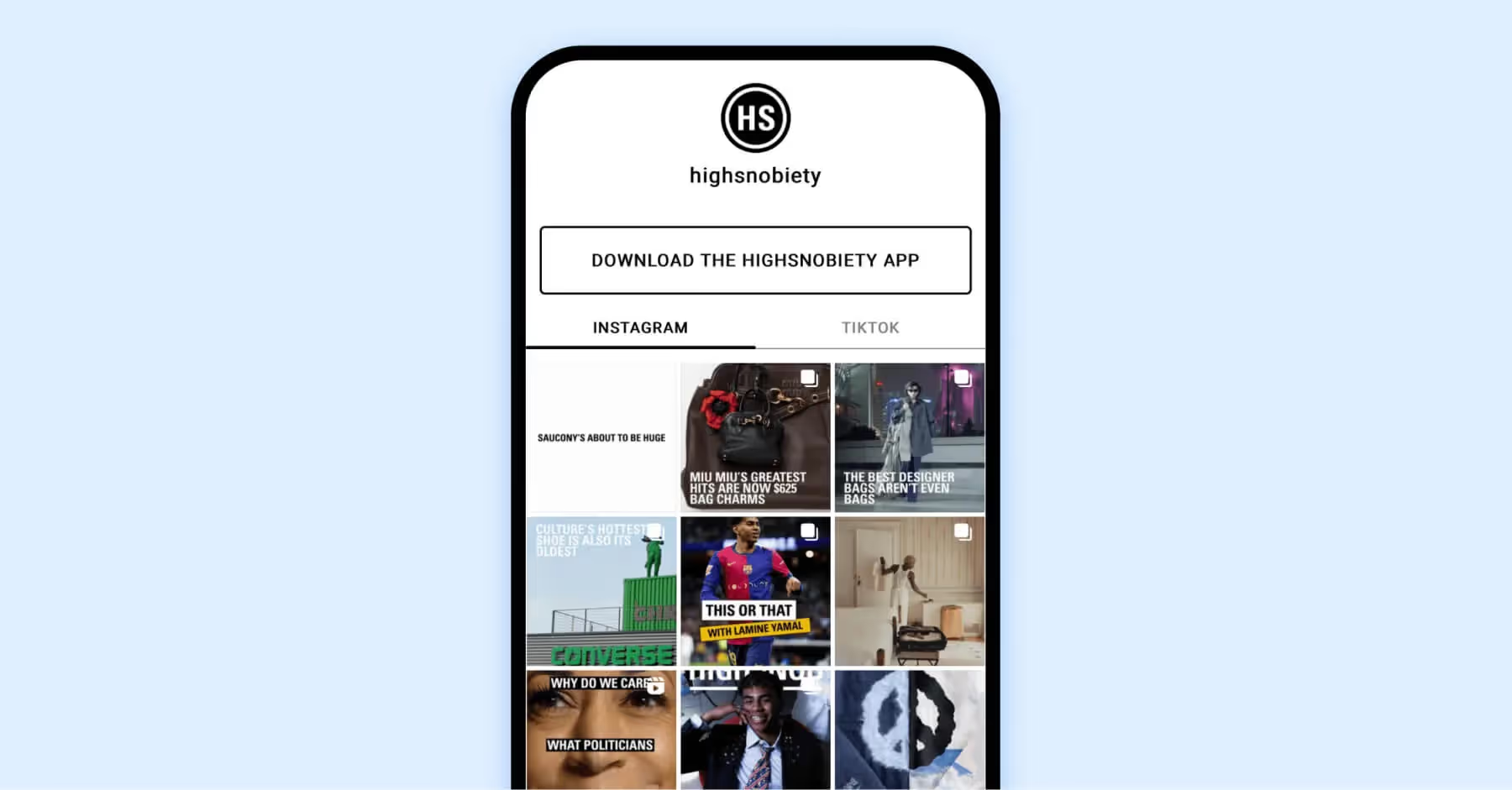
Later combines social media scheduling with a link in bio tool, which makes it useful for teams that want publishing and traffic routing in the same workflow. Brands can connect social posts to specific links, create a clickable feed-style experience and use Later’s broader planning tools to manage social content.
Best for: Social teams, ecommerce brands and retail marketers already using or considering Later.
Pricing: Starter begins at $18.75/month billed yearly, Growth at $37.50/month billed yearly and Scale at $82.50/month billed yearly.
Brand strengths:
- Strong fit for teams that want scheduling and link in bio management together.
- Clickable feed-style pages make older posts easier to connect with current links.
- Helpful for social teams managing Instagram and TikTok content calendars.
- Can reduce workflow friction when the team already uses Later for publishing.
Considerations:
- If your team already uses another scheduler, Later may duplicate existing tools.
- Dedicated analytics or attribution platforms may provide deeper reporting.
Compare Later vs. Dash Social
5. Beacons
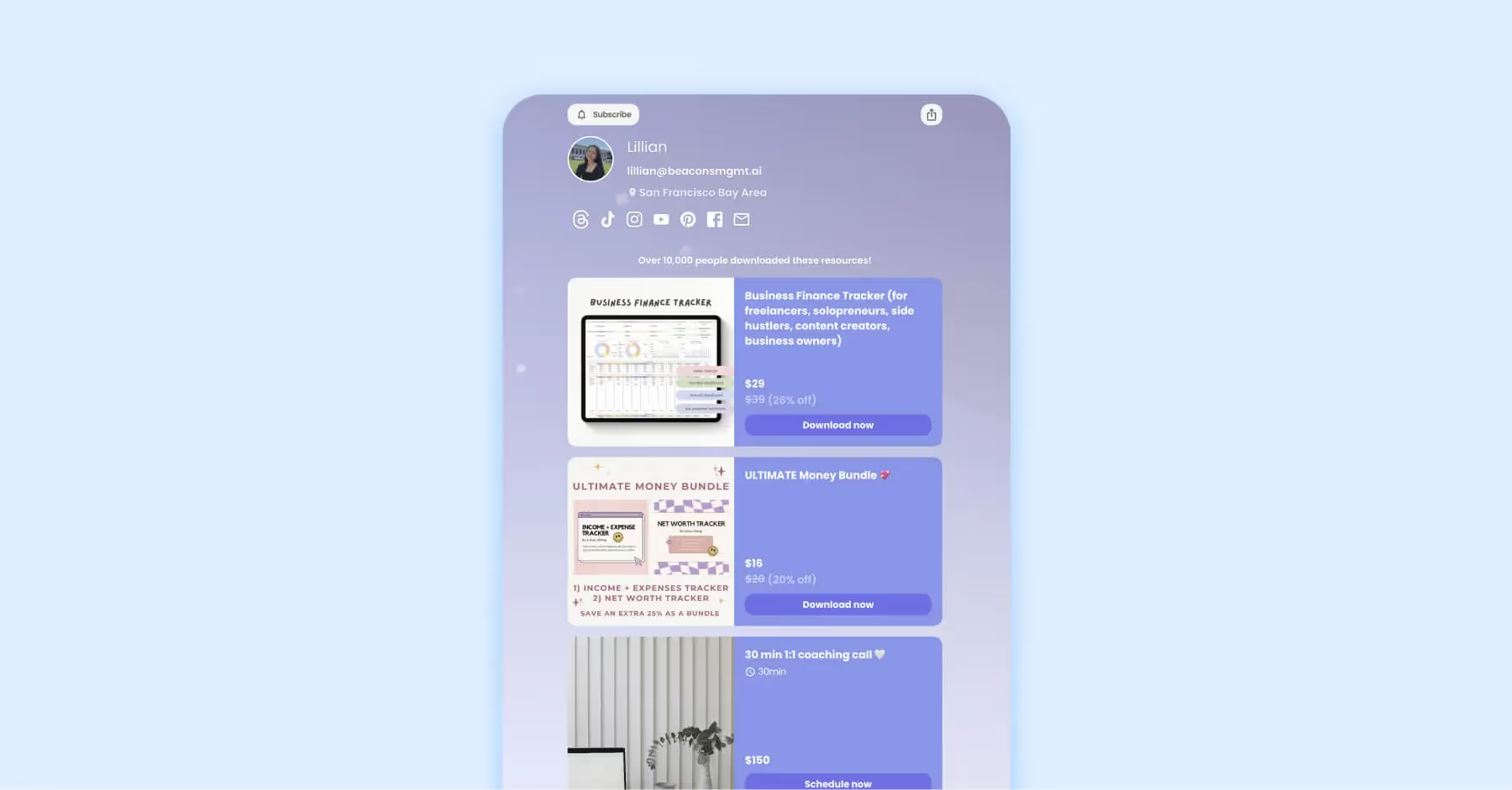
Beacons is built around creator monetization. In addition to link in bio pages, it supports stores, email collection, media kits and digital product workflows. That makes it a strong option for creators and creator-led brands that want their link in bio page to do more than route traffic.
Best for: Creators, educators, coaches, digital product sellers and creator-led brands.
Pricing: Free plan available. Paid plans start at $10/month, with Creator Plus at $30/month and Creator Max at $90/month.
Brand strengths:
- Strong monetization features for creators, digital products and services.
- Useful add-ons include media kits, email tools and storefront capabilities.
- Paid plans support stronger branding and custom domain use.
- Good fit for personal brands and creator-commerce workflows.
Considerations:
- Free and $10/month plans include 9% transaction fees on product sales.
- Enterprise retail teams may need deeper catalog, governance and attribution features.
6. Lnk.Bio
Lnk.Bio is a simple, affordable link in bio tool with unlimited links, embeds and scheduling options. It's a practical choice for creators and small brands that want a clean landing page without a large monthly software commitment.
Best for: Small businesses, creators, local businesses and budget-conscious teams.
Pricing: Free plan available. Mini is $0.99/month or Unique is $24.99 lifetime.
Brand strengths:
- Very accessible pricing, including lifetime options.
- Unlimited links make it flexible for campaigns, content and social profiles.
- Supports embeds and integrations for richer profile experiences.
- Good starter option for small teams that need utility over deep reporting.
Considerations:
- Less suited to enterprise governance, advanced attribution or complex social commerce reporting.
- Design and analytics depth may be lighter than higher-cost platforms.
7. Shorby
Shorby helps users create simple smart pages with links, messenger buttons, social profiles, videos and campaign destinations. It's useful for small businesses that want a straightforward bio page with click tracking and lightweight retargeting-oriented features.
Best for: Small businesses, service providers and teams that want simple smart pages.
Pricing: Rocket plan $15/mo, Pro $24/mo, and Agency $82/mo all billed annually.
Brand strengths:
- Simple smart pages for links, social profiles and messaging apps.
- Useful for service businesses that want visitors to call, message or book quickly.
- Click tracking helps teams understand which links attract attention.
- Lower entry price than many broader social platforms.
Considerations:
- Customization, analytics and enterprise workflow controls are more limited than larger platforms.
- Best for straightforward pages rather than complex ecommerce strategy.
8. Linko
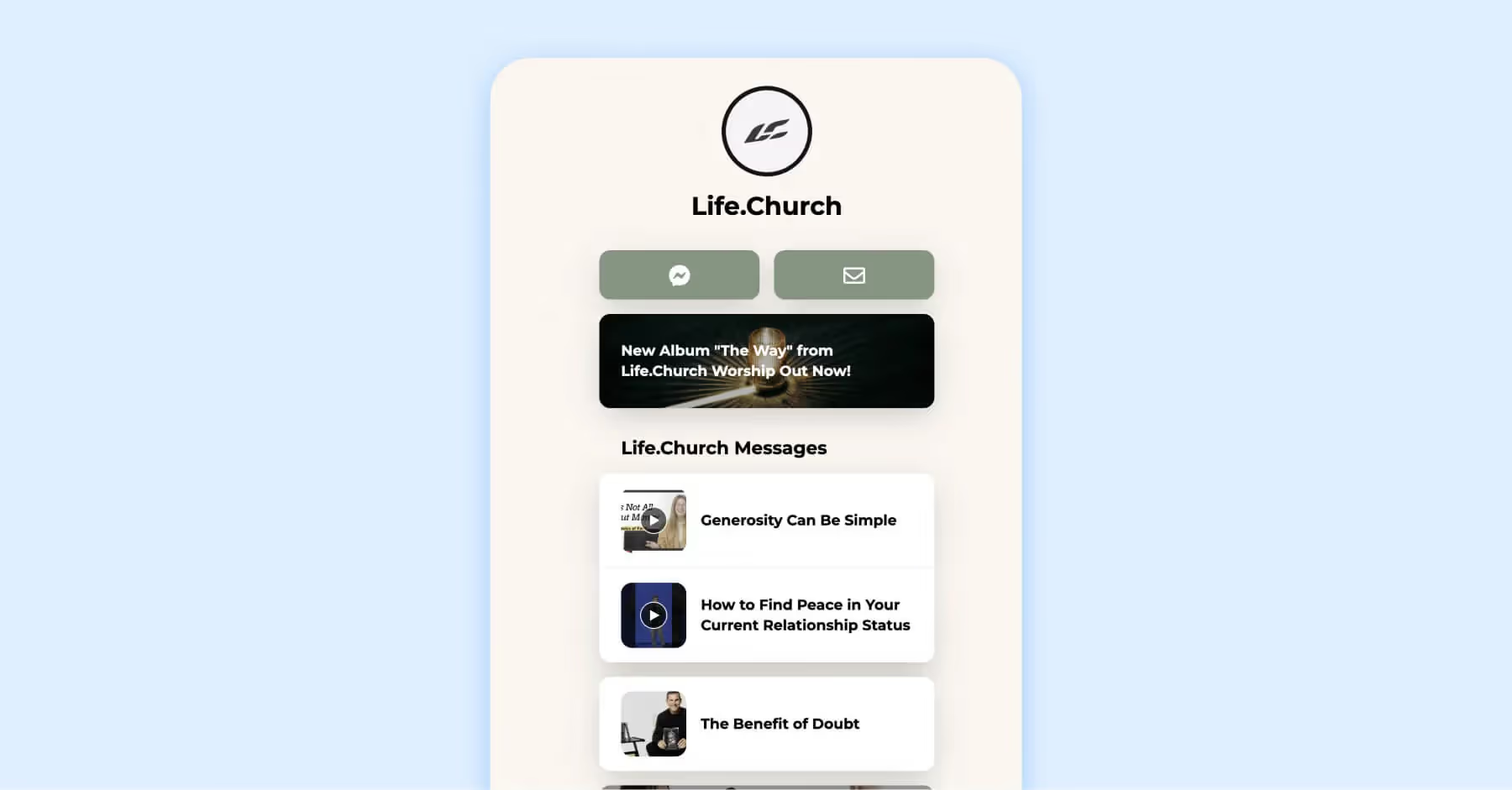
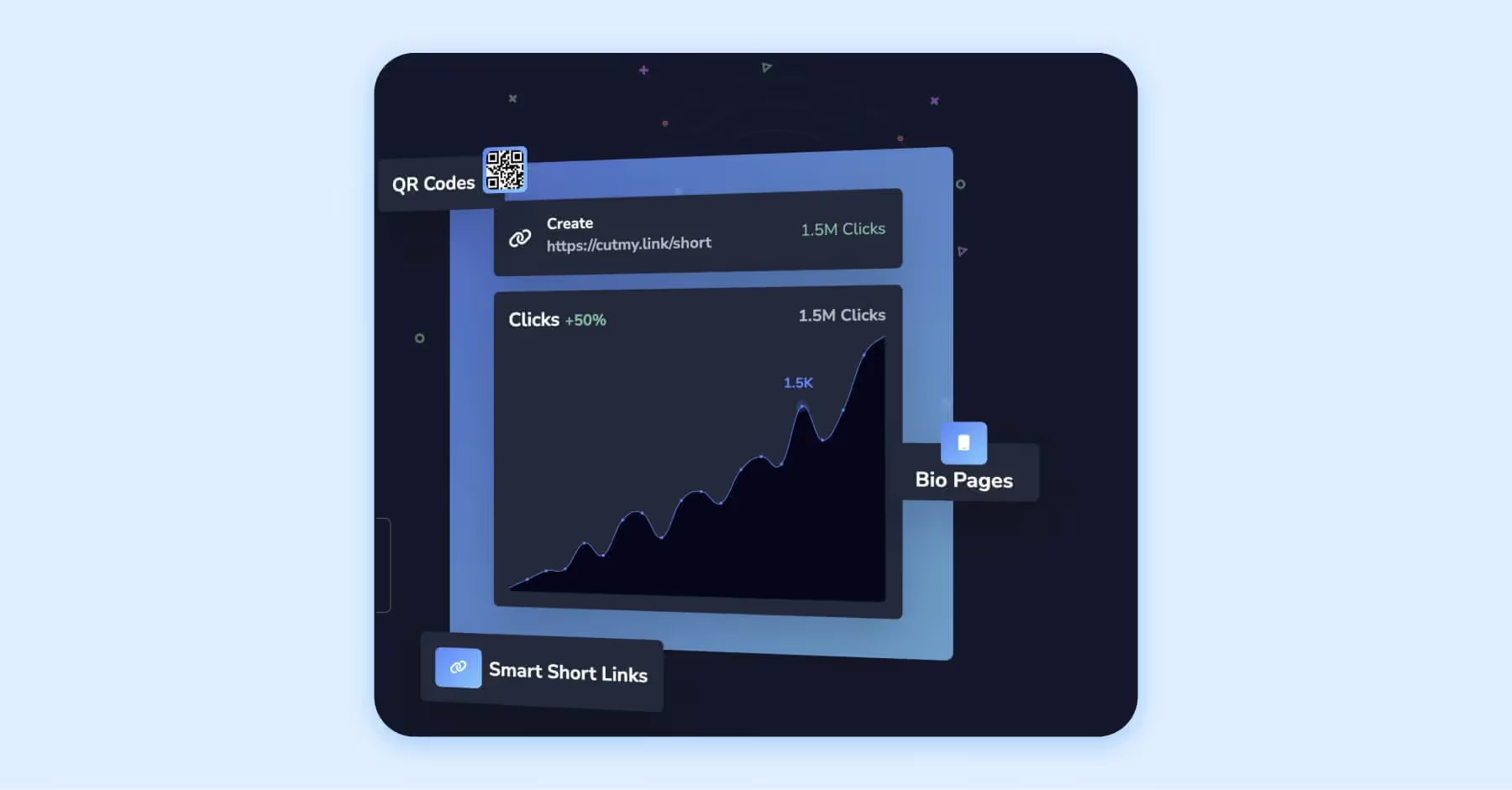
Linko combines bio pages with link shortening, QR codes, branded domains and advanced link-management features like A/B testing, geo targeting and device targeting. It's a good fit for marketers who want a link in bio tool that also supports campaign routing and link optimization.
Best for: Marketers, agencies and teams that want bio pages plus broader link management.
Pricing: Free plan available. Paid plans are Starter at $12/month, Pro at $29/month, Business at $79/month and Agency at $149/month.
Brand strengths:
- Bio pages, QR codes and branded domains in one platform.
- A/B testing and geo/device targeting are useful for campaign optimization.
- Agency tier can support multiple brands or clients.
- Good option for teams that want a link hub plus broader link operations.
Considerations:
- May feel more technical than simpler creator-first bio tools.
- Retail brands may still want deeper visual merchandising and product tagging.
9. Cutmy.link
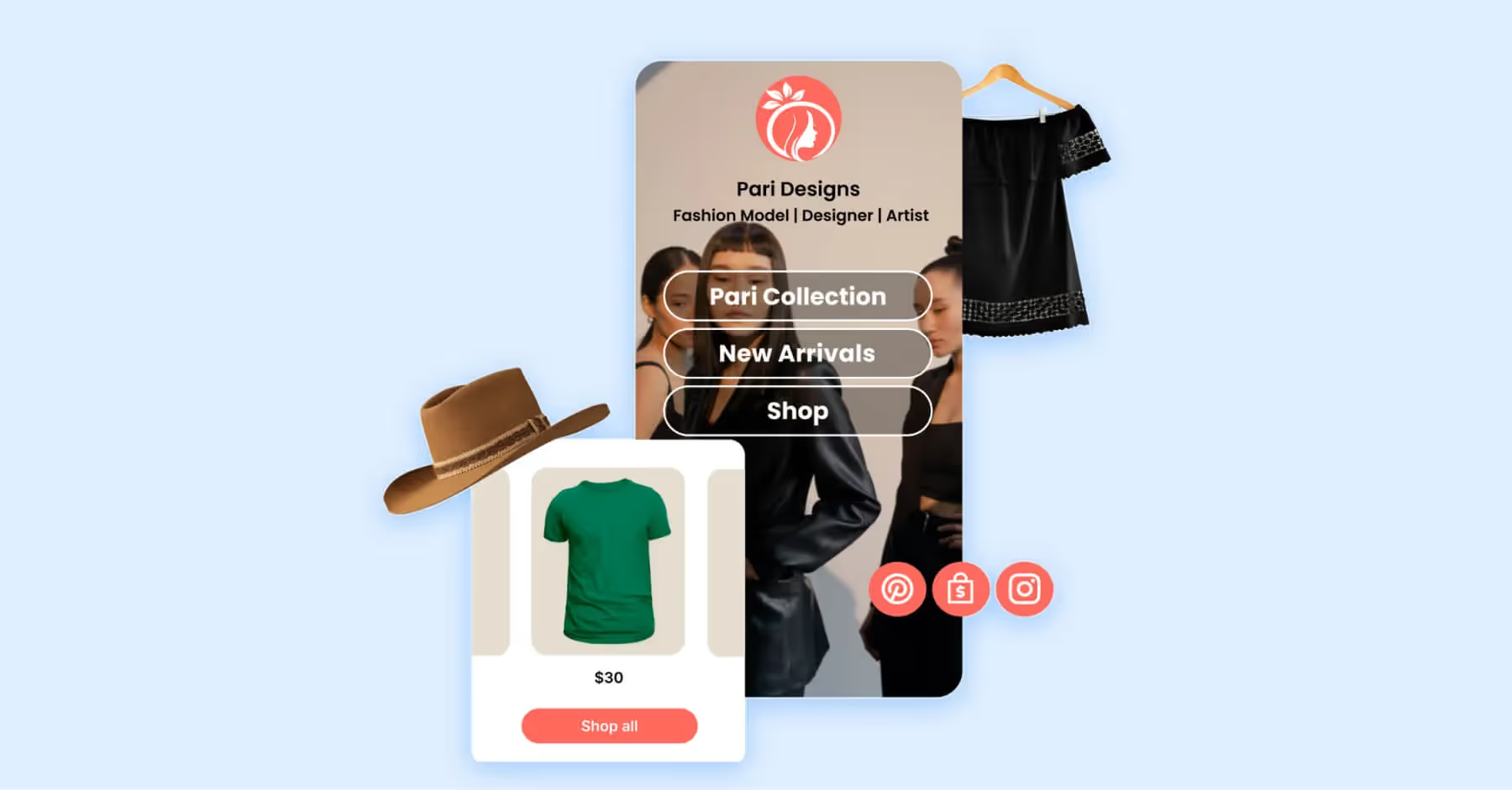
Cutmy.link focuses on quick setup, short links, QR codes and bio pages with a wide range of widgets. Brands can add content blocks for platforms and actions such as YouTube, TikTok, WhatsApp, PayPal and more, making it useful for simple campaign hubs and creator-style profile pages.
Best for: Small businesses and creators that want a fast bio page with widgets and QR support.
Pricing: Free plan with premium plan starting at $8/month.
Brand strengths:
- Supports bio pages, branded links and QR code workflows.
- Offers a wide range of widgets for social, payment and content destinations.
- Custom templates, colors and fonts help pages feel more branded.
- Useful for lightweight link organization and quick campaign launches.
Considerations:
- Brand website not secure, plan pricing was collected from 3rd-party information and should be confirmed before making decision.
- Brands with strict reporting needs should validate analytics and attribution depth before choosing it.
10. Sked Social Sked Link
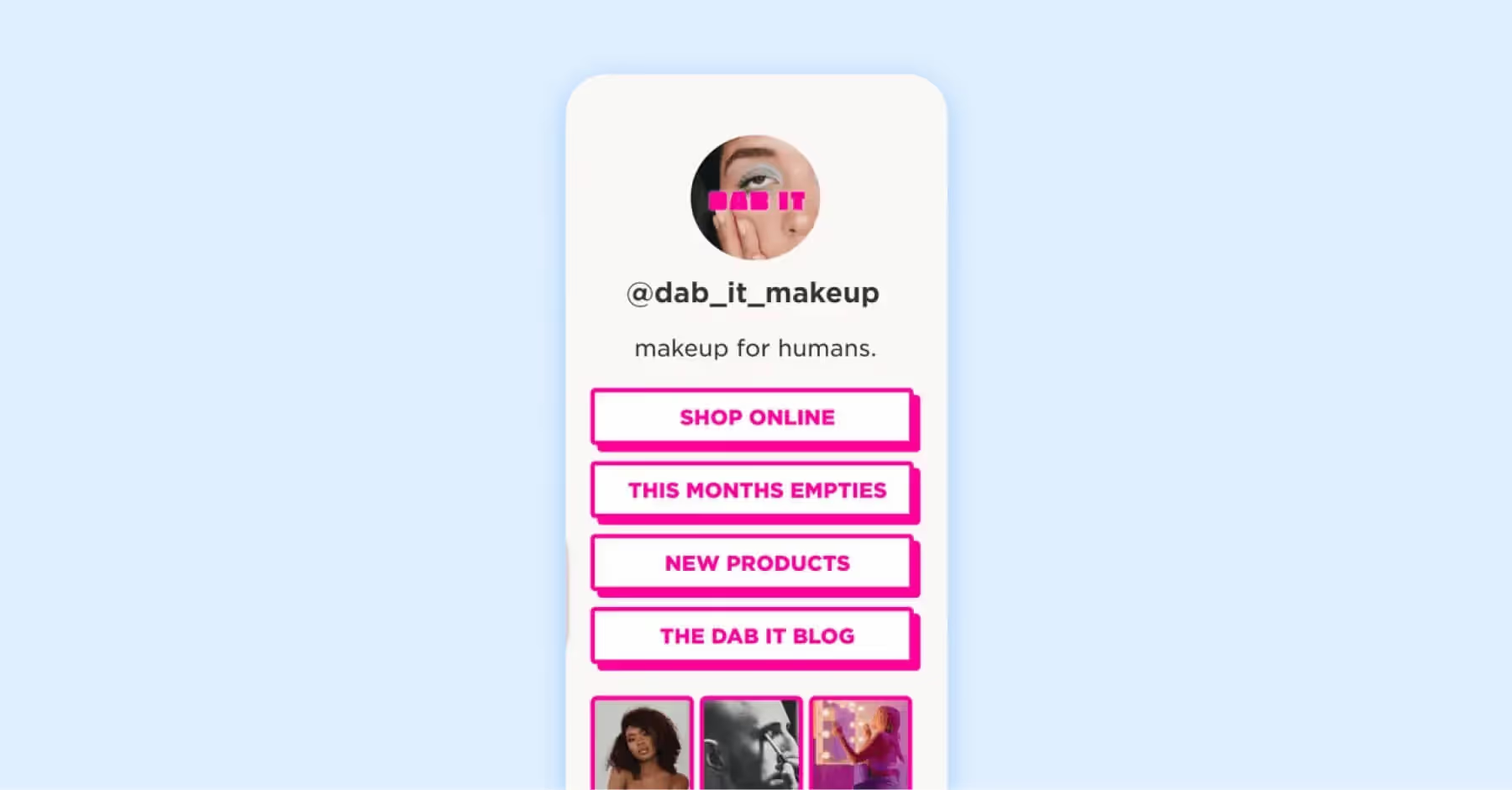
Sked Link is Sked Social’s link in bio tool, built to connect Instagram and TikTok content with websites, campaign links and product pages. It includes features such as UTM tracking and Meta Pixel support, making it useful for teams that want link in bio functionality alongside scheduling and social workflow management.
Best for: Social media teams, agencies and brands already using or considering Sked Social.
Pricing: Basic is $290/year, Grow is $690/year, Accelerate is $1,990/year and Custom starts from $2,990/year.
Brand strengths:
- Included with Sked Social plans rather than sold as a standalone-only bio tool.
- Supports UTM tracking and Meta Pixel workflows.
- Useful for agencies and teams managing social publishing alongside bio links.
- Good fit when content planning, publishing and link management should live together.
Considerations:
- Less compelling if the team doesn't need Sked’s broader scheduling platform.
How To Find the Best Link in Bio Tool for Your Brand
The best link in bio tool depends on what your brand needs the page to accomplish. A creator may need a simple profile hub, while a retail brand may need product tagging, ecommerce integrations and revenue attribution. A B2B team may care most about branded domains, governance, UTMs and campaign reporting.
Before choosing a tool, make sure to review these attributes:
- Revenue attribution: Can the tool connect social clicks to product views, signups, bookings or sales?
- UTM support: Can your team keep GA4, campaign and paid-media reporting clean?
- Pixel and retargeting support: Can visitors be used for remarketing or audience-building?
- Ecommerce integrations: Can you connect product pages, storefronts, catalogs or checkout experiences?
- Custom domain support: Can your page use a trusted, branded URL?
- Mobile UX and speed: Does the page load quickly and make the next action obvious?
- Analytics depth: Can you see clicks, CTR, top content, referrers, geography, device and conversion behavior?
- Governance and permissions: Can multiple team members manage links safely?
- Accessibility and design control: Can the page match brand standards while remaining readable and usable?
- AI-search readiness: Does the page and supporting content clearly explain what the tool does, who it is for and why it is useful?
For brands, the right choice is rarely just the cheapest link page. It's the tool that helps your team understand what social content drives decisions and choices while making it easier for audiences to take the next step.

Link in Bio FAQs
How do you find the link in bio on Instagram?
Go to the Instagram profile and look below the bio text. If the account has added one or more profile links, they'll appear above the grid. Tap the link or links to visit the page the account wants to share.
Do brands still need link in bio tools if Instagram supports multiple links?
Yes. Native profile links are useful, but they don't replace a branded, measurable link in bio experience. Brands often need a landing page that supports product discovery, campaign organization, UTMs, analytics, pixels, custom domains and a smoother mobile journey.
Which platforms benefit most from link in bio tools?
Instagram and TikTok are the most common use cases because social posts often create demand before users are ready to search or navigate a website. Brands also use link in bio tools on YouTube, X, Threads, Pinterest and creator profiles to guide followers to content, products, events, newsletters and campaigns.
What should a brand track from a link in bio tool?
At a minimum, track profile link clicks, link-level clicks, click-through rate, top-performing posts, referral traffic in GA4, campaign UTMs and assisted conversions. Ecommerce brands should also track product page visits, add-to-cart behavior and revenue where attribution is available.
What is the best link in bio tool for ecommerce brands?
For ecommerce brands, prioritize tools with shoppable layouts, product-linking capabilities, strong mobile UX, UTMs, analytics and revenue-oriented reporting. LikeShop is a strong fit for brands that want to connect social content to product discovery and social commerce performance.