How To Manage Multiple Social Media Accounts
Learn how to manage multiple social media accounts efficiently with scheduling, unified inboxes, team workflows, and smart automation strategies.


Managing multiple social media accounts takes a lot more than posting consistently. As a social media manager myself, I know that when you’re balancing different brands, regions, audiences, and priorities, consistency only gets you so far. You need a clear strategy, a reliable structure, and systems that keep everything moving without letting quality slip.
After testing countless workflows, tools, and content strategies, one thing has become clear to me: the best results come from repeatable processes. When your team has a system that scales, it’s easier to stay organized, keep your content aligned, and focus on the work that actually drives performance.
For social media managers, the right approach can make the difference between constantly reacting and confidently leading the strategy. It gives you the space to move faster, make smarter decisions, and prove what’s working across every account you manage.
Key Takeaways:
- Clear goals and audience definitions are essential for each account.
- A centralized social media management platform simplifies workflows.
- Content calendars and batching improve consistency.
- A unified inbox prevents missed engagement opportunities.
- Ongoing analytics and optimization drive long-term performance.
What Is Multi-Account Social Media Management?
Multi-account social media management is the practice of operating two or more branded social profiles, often across different platforms, regions, or brands, from a coordinated workflow.
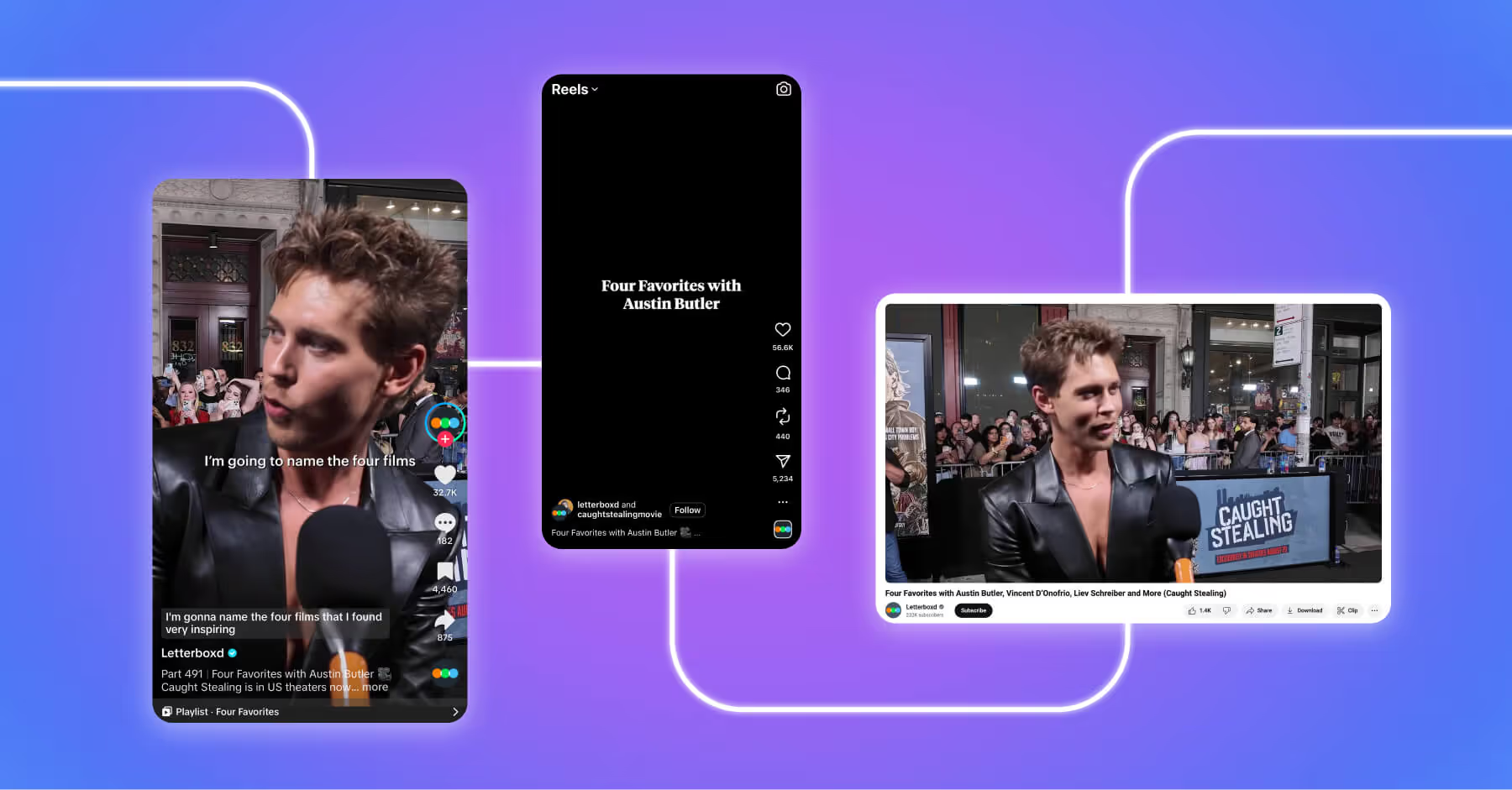
This approach allows brands to tailor messaging to specific audiences while maintaining an overall brand identity and consistent voice. For example, global brands often run regional or niche accounts to better connect with local communities or interest groups. A well-structured plan, like those outlined in a global social media strategy, ensures alignment across all profiles.

9 Easy Steps to Managing Multiple Social Media Accounts
Managing multiple social media accounts can feel overwhelming without structure. Over time, I’ve found that strong systems are what make creativity sustainable. With a clear workflow in place, it becomes easier to stay organized, maintain quality, and make stronger performance decisions.
1. Understand your social media goals and audience
Effective multi-account management starts with clarity. Each account should serve a specific purpose and audience. In my own work, this is usually the first place I look when an account feels hard to manage. If the purpose of the account isn’t clear, everything downstream gets harder, from content planning to reporting.
Brands often segment accounts to better connect with distinct communities. For example, Nike operates accounts like @nike, @nikerunning, and @nikewomen to target different audiences. This highlights the need for account-specific goals rather than a one-size-fits-all strategy.

Before building out content or workflows, document the purpose of each account and map it to a specific audience persona. This step ensures every profile has a defined role, whether that is driving brand awareness, supporting customers, generating leads, or engaging a regional market. Aligning each account with a clear goal and audience makes it easier to determine content strategy, response expectations, and performance metrics.
A simple framework helps organize this:
Having clear goals set up front prevents scope creep and helps inform downstream decisions such as platform selection, content mix, response SLAs, and KPIs.
2. Start with the platforms that matter most
Managing multiple social media accounts does not mean being active on every platform all of the time. Expanding too quickly often dilutes content quality, overwhelms teams, and leads to inconsistent engagement. Instead, focus on the platforms where target audiences are already active and where the content strategy can realistically perform well.
Start by evaluating three key factors:
- Audience presence: Identify where each audience segment spends time. For example, LinkedIn is often more effective for B2B audiences, while Instagram and TikTok are better suited for visually driven consumer brands.
- Content format fit: Assess whether the content being created aligns with the platform’s strengths. Short-form video performs well on TikTok and Instagram Reels, while long-form or educational content may be better suited for YouTube or LinkedIn.
- Resource capacity: Consider whether the team can maintain a consistent posting cadence, engagement level, and content quality across each platform.
Most platforms offer native tools to support publishing and analytics. Meta Business Suite supports Facebook and Instagram, YouTube Studio supports video management, and TikTok Studio provides performance insights and scheduling capabilities. While useful, these tools are limited to their respective ecosystems and do not support true multi-account management across platforms or regions.
As operations scale, third-party solutions become essential for managing multiple social media accounts efficiently, especially when handling cross-posting, multi-region publishing, and team collaboration from a single workflow.
A helpful guideline: it is better to manage three platforms exceptionally well than six platforms poorly. I’ve seen teams stretch themselves thin trying to be everywhere at once. The stronger move is usually to focus on the platforms where your audience is active, your content has a clear role, and your team can actually show up consistently.
3. Choose a centralized social media management tool
A centralized social media management tool is the operational backbone of managing multiple social media accounts. Without one, teams are forced to switch between platforms, duplicate work, and risk missed messages or inconsistent publishing.
When evaluating social media management tools, look beyond basic scheduling. The right platform should support the full workflow, from planning and publishing to engagement, collaboration, and reporting.
By consolidating scheduling, engagement, and analytics into one platform, teams can eliminate unnecessary tool-switching and create a more efficient, collaborative workflow for managing multiple social media accounts.
4. Build a content calendar and scheduling workflow
A content calendar is what helps social teams move from reactive posting to intentional planning. In my experience, it’s also the easiest way to spot gaps before they become problems, whether that’s overlapping campaigns, uneven content mix, or missed approvals.
Building a content calendar is easier when every account has a clear role, cadence, and approval path. Use this checklist to create a workflow your team can follow consistently.
A shared calendar within a centralized tool ensures that every team member has visibility into what is scheduled, what is pending approval, and what has already been published.
5. Create, repurpose, and batch content efficiently
One of the biggest challenges in managing multiple social media accounts is maintaining a steady flow of content without overwhelming the team. This is where batching, repurposing, and structured workflows become essential.
Content batching involves creating multiple pieces of content in a single focused session rather than working in a reactive, ad hoc manner. This reduces context switching and increases efficiency.
Scalable content production comes down to working smarter with the content you already have. Use these strategies to reduce production pressure, protect quality, and get more value from high-performing ideas.
A practical repurposing workflow looks like this:
It is important to distinguish between cross-posting and repurposing. Cross-posting publishes identical content across platforms, while repurposing adjusts the content to suit each platform.
One thing I’ve learned is that repurposing works best when you start with the platform, not the asset. A strong TikTok idea might become a LinkedIn post or Instagram carousel, but only after adjusting the format, tone, and takeaway for how people use each channel.
6. Set up unified inbox and engagement management
When you’re managing multiple accounts, the inbox can become the fastest place for things to slip. I like to treat engagement as its own workflow, with clear ownership, response windows, and escalation paths, instead of something the team checks whenever there’s time.
A unified inbox works best when it’s supported by a clear engagement workflow. Use this structure to make sure every message has a place, a priority, and an owner.
Dash Social’s unified dashboard supports real-time monitoring and response management across accounts, which is especially important when managing profiles across different regions or time zones.
Best practices for engagement include:
- Respond in the appropriate brand voice for each account.
- Personalize responses when possible.
- Escalate sensitive issues internally.
- Track recurring questions to inform future content.
7. Implement team roles and approval workflows
As the number of accounts grows, governance becomes critical. Without clear roles and approval processes, teams risk inconsistent messaging, accidental publishing errors, or security vulnerabilities.
Define clear role tiers within the team:
In addition to role structure, approval workflows should be built into the publishing process. This ensures that all content is reviewed before going live, which is especially important for brands operating across regions or industries with compliance requirements.
Dash Social’s approval workflows provide a built-in safeguard, ensuring that no content is published without proper review.
8. Use automation carefully and securely
Social media automation refers to the use of software tools, integrations, or scripts to perform repetitive social media tasks, such as scheduling posts, cross-posting content, or triggering notifications, without manual intervention. This allows teams to focus more on strategy, creativity, and engagement.
Automation works best when it supports the workflow behind the content, not the human interaction around it. Use it to reduce manual work, but keep audience engagement personal and intentional.
Platform policies change frequently, so it is important to review all active automations on a regular basis to ensure compliance and avoid account risk.
9. Monitor performance and optimize continuously
Managing multiple social media accounts does not end with publishing and engagement. To scale effectively, teams need a clear system for measuring what is working, identifying what is not, and continuously improving their strategy across accounts. Analytics, monitoring, and benchmarking are essential to this process. Without data, teams are left guessing which accounts, platforms, and content types deserve more investment, making it difficult to prioritize resources or prove impact.
Tracking performance across multiple accounts provides the visibility needed to refine strategy and drive better results over time. Teams should monitor key performance indicators at both the account and platform level, including:
- Engagement rate (likes, comments, shares relative to reach).
- Response time (average time to reply).
- Content performance (top-performing posts by engagement, reach, conversions).
- Entertainment Score.
- Total Social Impact.
- Posting consistency (planned versus actual cadence).
Performance tracking should do more than summarize what happened. It should help teams decide what to do next. Use these KPIs and a monthly optimization cycle to turn reporting into clearer priorities across every account.
Reporting is where social media managers can move from execution to strategy. I use performance data to understand what deserves more investment, what needs to change, and what story leadership needs to hear about the impact of social.

Managing Multiple Social Media Accounts FAQs
Where can I manage all social profiles from one dashboard?
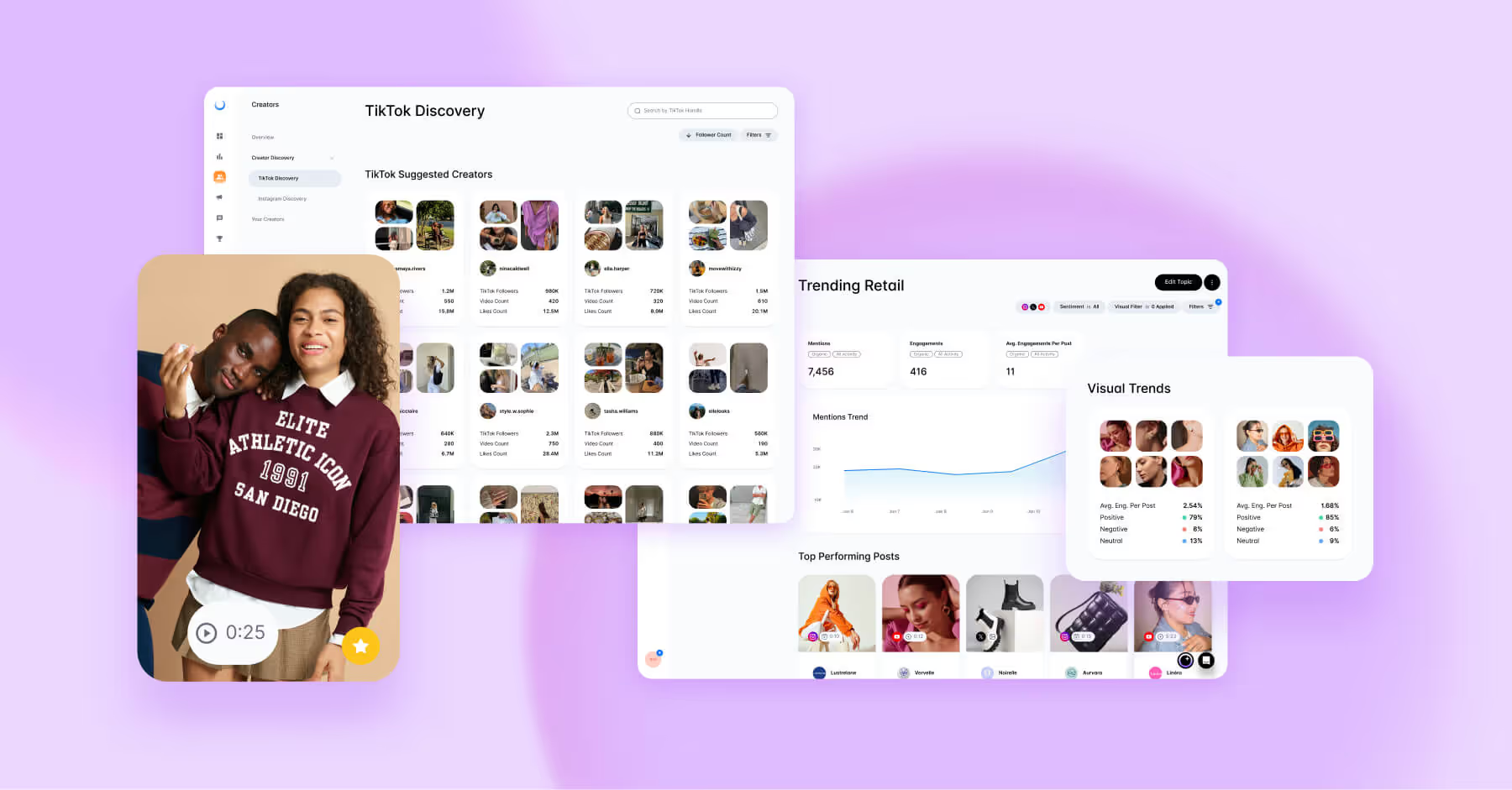
Social media management tools like Dash Social allow teams to manage all social media accounts from a single, centralized dashboard. This includes scheduling content, monitoring engagement through a unified inbox, and analyzing performance across platforms without switching between tools.
How should I structure a content calendar for multiple brands with different goals?
Start by organizing content by brand, platform, and objective, with clearly defined posting cadences and content pillars for each account. Built-in approval workflows and visibility across teams to maintain consistency. Using a structured resource, like a social media content calendar template, can help standardize planning across teams and ensure nothing is missed. Tools like Dash Social’s content scheduler make it easier to manage, schedule, and align content across multiple brands.
How do I ensure timely responses across all accounts without overload?
Use a unified inbox to centralize messages, assign conversations to team members, and set response time expectations. Prioritizing messages by urgency and topic helps teams stay organized. Dash Social’s community manager supports this by consolidating engagement and streamlining response workflows.
What KPIs should I track when managing multiple brands?
Focus on metrics like engagement rate, response time, content performance, posting consistency, Entertainment Score, and Total Social Impact to understand what is working. Dash Social provides centralized analytics to track these KPIs across all accounts and identify opportunities to optimize performance.