Top 15 Social Media Monitoring Tools for Tracking Brand Mentions in 2026
Dive into the pros and cons of the most popular social media monitoring tools.

Social media monitoring tools help your team keep tabs on brand mentions so nothing slips through the cracks. Unlike social listening, which is more about spotting bigger trends over time, social monitoring is built for quick, in-the-moment action when someone talks about your brand online.
These tools send real-time alerts so you can respond to customer feedback faster, stay ahead of potential issues, and jump on engagement opportunities as they happen. In other words: better responsiveness, quicker response times, and a closer connection to your audience.
We’ll break down the pros and cons of some of the most popular social media monitoring tools, plus a look into which industries tend to fit best with each platform.
TL;DR:
- Best for small teams: Agorapulse (simple, collaborative, unified inbox).
- Best for multilingual brands: Meltwater (global + multilingual coverage) or Atribus (multilingual + competitive intelligence).
- Best on a budget: Statusbrew (affordable, solid monitoring + team workflows) or Cyfe (budget-friendly dashboards).
- Best for agencies: Sprout Social (strong reporting/insights) or Agorapulse (easy multi-account management).
- Best overall for consumer brands (engagement-first): Dash Social (community management + support integrations).
- Best for PR + media monitoring: Meltwater.
- Best for reputation/multi-location brands: Reputation.
- Best for audience analytics (demographics/behavior): Fedica.
- Best for enterprise governance: Khoros.
What Are Social Media Monitoring Tools?
Social media monitoring tools are software platforms that track and analyze online conversations about your brand, competitors, or industry. This includes mentions, keywords, and audience sentiment across social networks and other digital channels. They help teams understand what people are saying in near real time so they can respond faster, manage reputation, and pull insights that inform marketing and customer care.
The core purpose of social media monitoring tools are to collect public posts, comments, reviews, and messages that match your chosen keywords, hashtags, or profiles across channels like Instagram, TikTok, Facebook, X, LinkedIn, and YouTube. But can often extend beyond social to include blogs, forums, and news sites. They then organize everything into feeds and dashboards, making it easier to spot priority mentions, emerging trends, and potential issues before they escalate.

Top 15 Social Media Monitoring Tools for Brand Tracking
While most social media monitoring tools can track mentions and centralize conversations, the real difference shows up in the messy middle. Things like data delays, gaps in coverage due to private communities, noisy keyword results, and integrations that don’t quite match how your team actually works. Below, we’re not just comparing surface-level features. We’re calling out the realistic limitations and edge cases. The situations where each tool may underperform, require workarounds, or be a better fit as part of a larger stack. If you’re looking for a quick snapshot, we’ve put together a handy chart for comparing the top social media monitoring tools this year.
And if you want to go deeper, you’ll find our full breakdown further down, comparing the best social media monitoring tools for tracking brand mentions on social, tools that alert you when creators post about your brand, which platforms provide audience feedback analysis, and more.
1. Dash Social
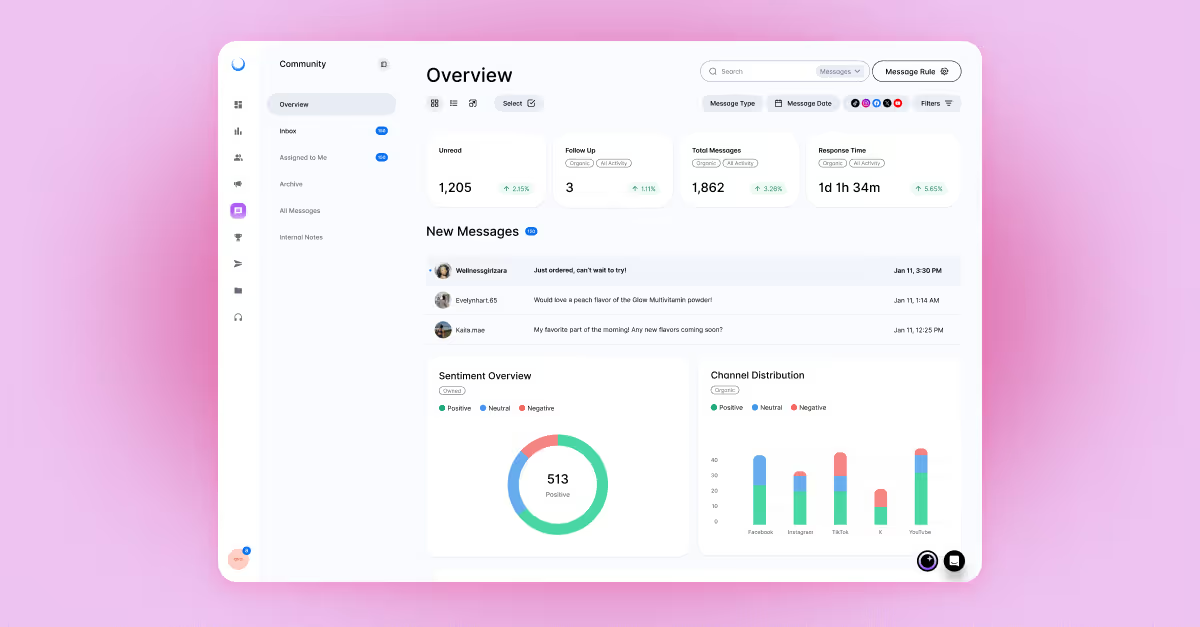
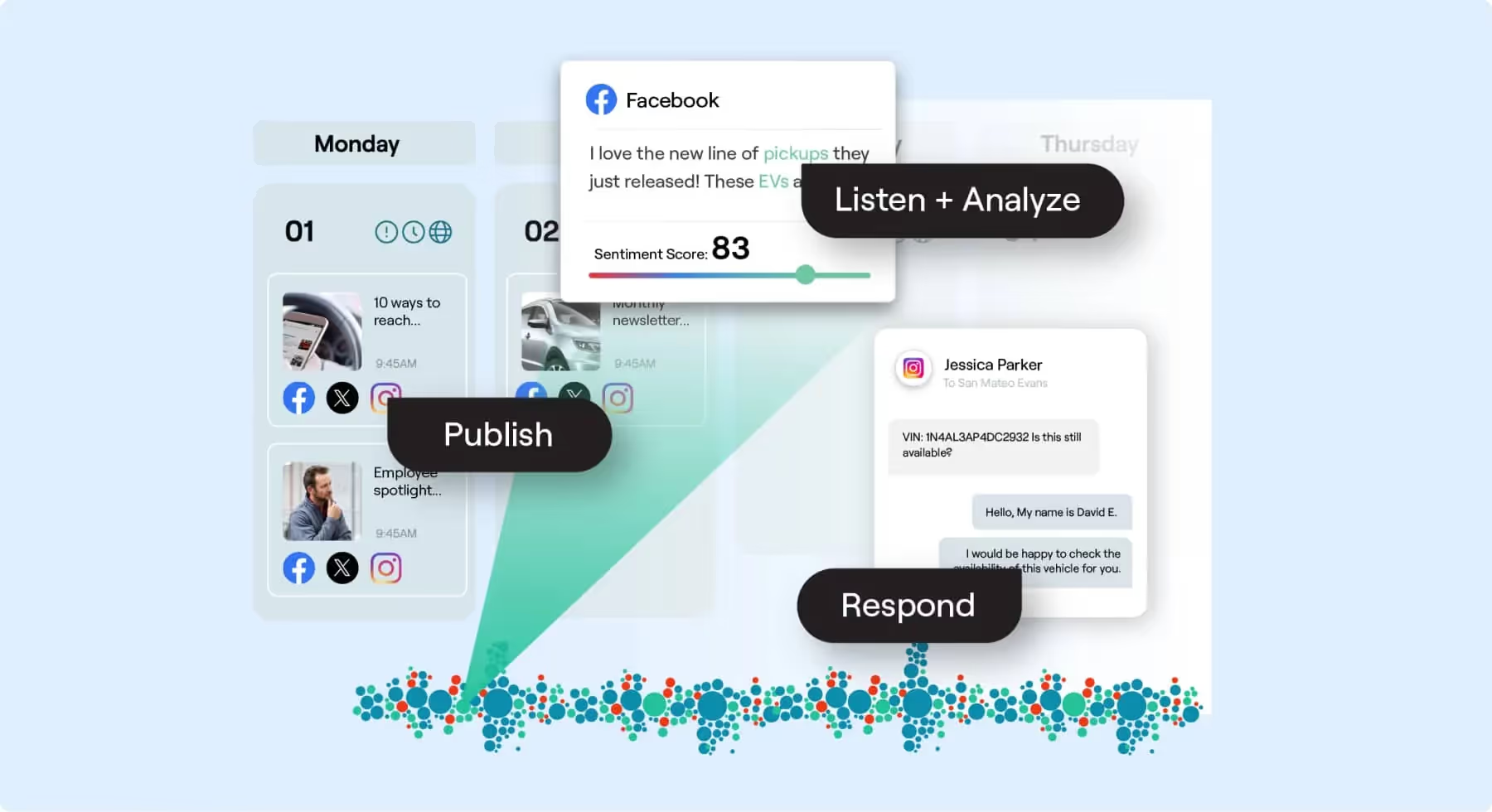
Dash Social’s Community Manager helps social teams monitor comments, mentions, and direct messages efficiently. It’s built for staying responsive and maintaining a strong brand presence, while Salesforce/Zendesk integrations help move social inquiries into broader customer care workflows.
Pros:
- Intuitive interface for managing and responding to social interactions.
- Salesforce and Zendesk integrations streamline customer support workflows.
Cons:
- May require onboarding for teams unfamiliar with advanced monitoring tools.
- Limited customization in workflow automation.
Edge Cases / Limitations:
- Monitoring is strongest where you have direct access (comments, mentions, DMs), but it’s not a “catch everything everywhere” solution. You may still need additional tools for deep web coverage (news/forums) or highly specialized listening needs.
- If your team relies on very custom routing (ex: different queues by product line, region, language + urgency), you may need manual rules or external workflow tools to fully mirror your internal process.
Best for:
- Retail, e-commerce, and consumer brands focusing on direct audience engagement.
2. Brand24
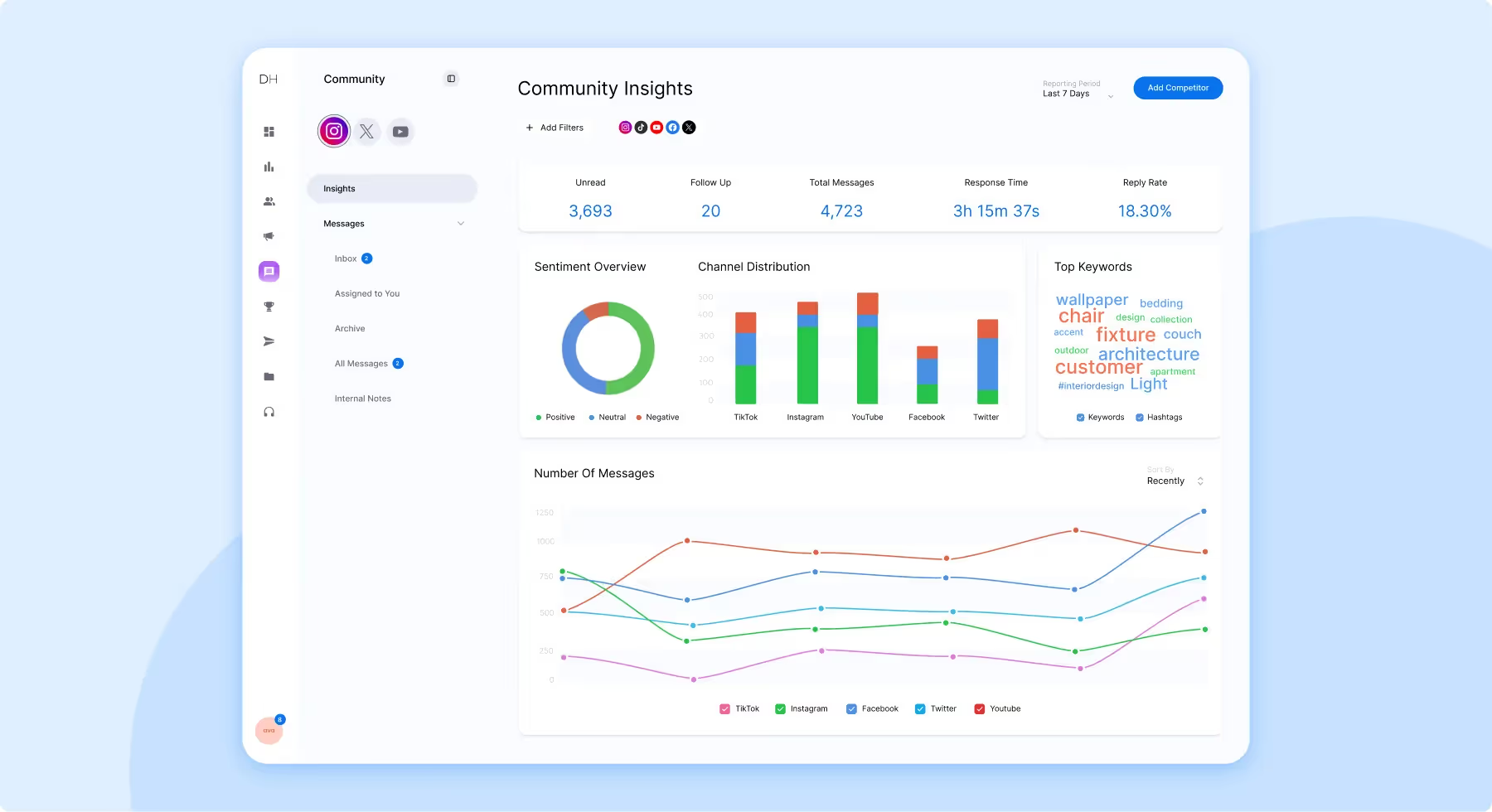
Brand24 tracks mentions across social platforms, forums, blogs, and news sites, with alerts and sentiment analysis to help brands stay ahead of conversations.
Pros:
- Tracks real-time mentions of brands and competitors.
- Offers sentiment analysis.
Cons:
- Limited integrations compared to larger platforms like Hootsuite or Sprout Social.
- Advanced features like API access may require higher-tier plans.
Edge Cases / Limitations:
- Like most tools, it can struggle with untrackable spaces. Closed Facebook groups, private Instagram accounts, private communities, and some subreddit contexts which can create blind spots in sentiment and share-of-voice.
- Real-time alerts are great, but high-volume brands may see alert fatigue unless keywords and filters are carefully tuned (common with short brand names or terms that overlap with generic words).
Best for:
- Tech and engineering teams managing cloud infrastructure and applications.
3. Atera
Atera is built to streamline IT operations with patch management, alerts, and helpdesk workflows. This tool is best suited to operational monitoring, not social-first monitoring.
Pros:
- Unlimited devices per technician.
- Advanced automation for IT management tasks.
Cons:
- Limited scalability for larger enterprises.
- Reporting customization could be improved.
Edge Cases / Limitations:
- Because it’s IT-first (RMM), it won’t map neatly to marketing KPIs like share of voice, campaign lift, or content themes. It’s a mismatch if you need brand perception plus creative insights.
- If your objective is monitoring social conversations, Atera may feel like a workaround tool rather than a fit, unless you’re specifically monitoring device/application performance tied to customer experience.
Best for:
- Small to mid-sized IT service providers.

4. JustCall
JustCall centralizes calls and SMS and connects to CRMs like HubSpot and Salesforce, making it useful for reviewing conversations and improving outreach workflows.
Pros:
- Offers omnichannel monitoring for calls, SMS and integrations.
- Call tracking.
Cons:
- Call quality varies depending on the network.
- Pricing might be high for small teams or businesses.
Edge Cases / Limitations:
- It’s not a dedicated social monitoring suite. Social listening coverage is limited, so many teams pair it with a social tool and use JustCall for call/SMS + CRM tracking.
- Network dependence can create “false negatives” in performance (dropped calls, delayed SMS), which may look like team issues when it’s actually infrastructure.
Best for:
- Sales and customer services teams across all industries.

5. Cyfe
Cyfe by Traject, consolidates KPI reporting across marketing, social, and sales, making it a cost-effective “single pane of glass” for performance tracking.
Pros:
- Unified view of data from various platforms.
- Highly customizable dashboards.
- Offers over 100 integrations.
Cons:
- Technical interfaces might be challenging for certain teams.
- Limited customer service options.
Edge Cases / Limitations:
- Cyfe is great for dashboards, but that’s also the limitation: it’s more of a reporting layer than a true monitoring/inbox solution. If you need to respond to mentions quickly, you may still require a dedicated engagement tool.
- Dashboard accuracy depends heavily on each integration’s data quality. If a connector breaks or API limits hit, you can see gaps that aren’t always obvious at first glance.
Best for:
- Small and medium-sized businesses.

6. Khoros
Khoros supports customer interaction management across social and call centers, with AI-driven analytics to enrich customer service and engagement efforts.
Pros:
- Publishing with AI support.
- Centralized visibility and control over account access.
Cons:
- Issues with duplication in the platform.
- Inconsistent outputs and some instances of lagging.
Edge Cases / Limitations:
- Larger, enterprise setups can run into operational friction: heavy usage plus high message volume may expose latency, duplication, or workflow hiccups.
- Because it’s built for larger orgs, it may feel “too big” for lean teams. You might spend time on governance and setup that smaller teams don’t need (or don’t have resources to maintain).
Best for:
- Large enterprises and customer-centric industries like healthcare and financial services.
7. Reputation
Reputation turns customer feedback into insights, helping multi-location brands spot trends, improve customer experience, and protect brand perception.
Pros:
- In-depth analytics for reputation management.
- Strong focus on multi-location businesses.
Cons:
- Not suitable for large enterprises.
- High learning curve for beginners.
Edge Cases / Limitations:
- Best for reviews and location-based reputation. But if you need a robust social inbox and keyword listening across channels, you may need another tool to cover that fully.
- Multi-location becomes complex fast: franchise structures, duplicate listings, and inconsistent naming can cause data fragmentation unless setup is tight.
Best for:
- Hospitality, healthcare and retail brands managing multiple locations.
8. Agorapulse
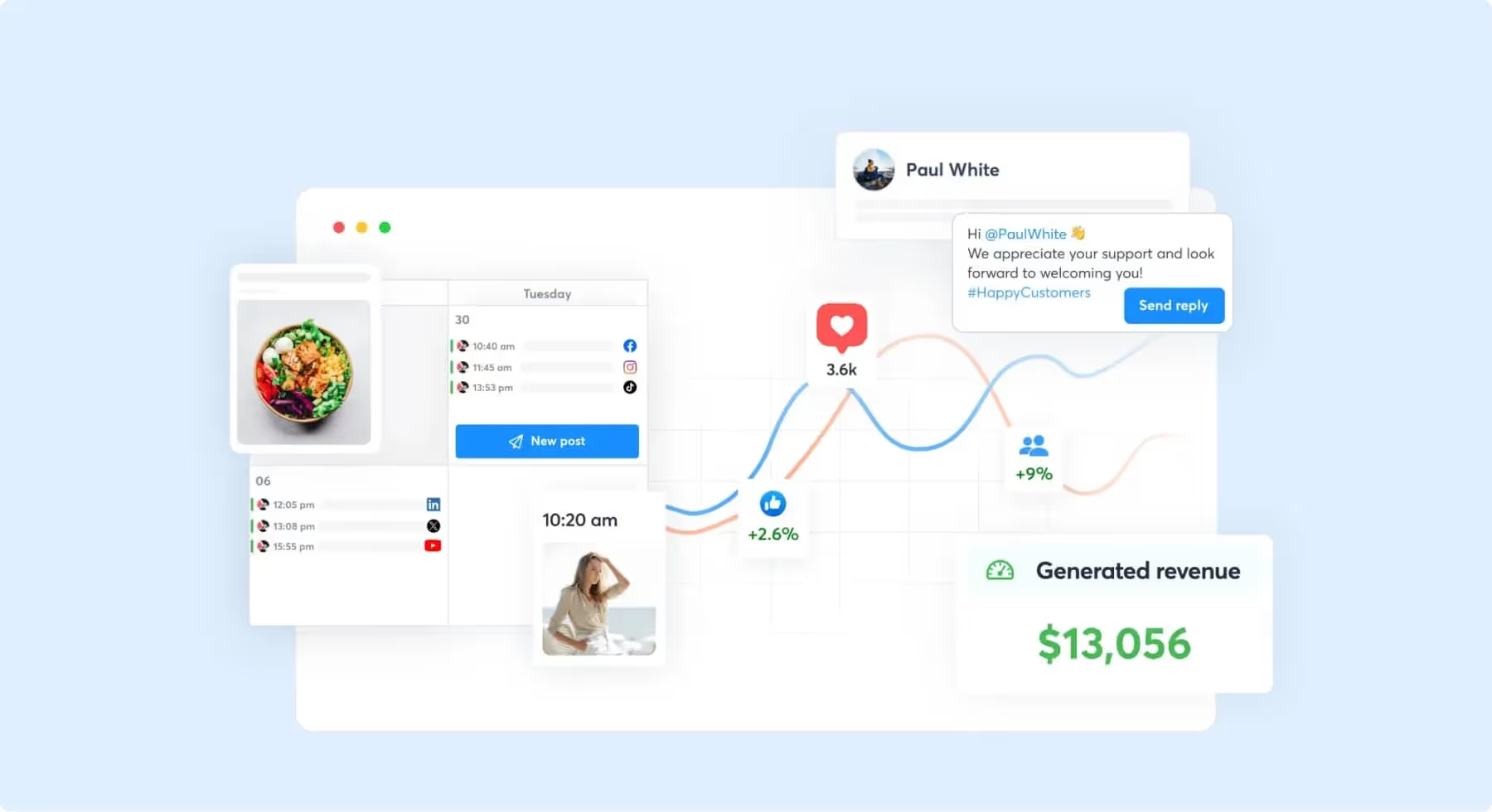
Agorapulse combines monitoring, scheduling, and reporting with collaboration features that make it easy for teams to stay aligned.
Pros:
- Unified inbox for all social channels.
- Competitor analysis features.
Cons:
- Limited integrations compared to larger platforms.
- Advanced features locked behind higher-tier plans.
Edge Cases / Limitations:
- Great for day-to-day management, but teams needing deep listening across the web (forums/news) may find coverage narrower than specialized listening platforms.
- Agencies managing many clients may run into feature gating where the tools you want (advanced reporting, richer competitor analysis) require higher tiers.
Best for:
- Small businesses and agencies managing multiple social accounts.
9. Meltwater
Meltwater is a strong option for PR-grade monitoring: tracking sentiment, trends, and coverage across social and traditional media.
Pros:
- Comprehensive media monitoring, including traditional outlets.
- Global reach and multi-language capabilities.
Cons:
- Steep learning curve for non-technical users.
- Expensive compared to other tools.
Edge Cases / Limitations:
- Powerful coverage comes with complexity: teams often need training to avoid noisy results and to structure queries properly (especially for common brand names).
- For fast-moving customer care (replying to comments/DMs), Meltwater may feel more “PR intelligence” than “front-line inbox,” depending on your workflow.
Best for:
- Large enterprises in tech, public relations and media/entertainment.

10. Hootsuite
Hootsuite combines scheduling, monitoring, and analytics. Offering a practical starting point for teams just building their monitoring practice.
Pros:
- Easy-to-use interface with team collaboration features.
- Extensive integration library.
Cons:
- Limited analytics in lower-tier plans.
- Monitoring capabilities aren't as robust as dedicated tools.
Edge Cases / Limitations:
- Works well as an all-in-one manager, but brands that need nuanced sentiment, deep keyword logic, or broad web coverage may hit a ceiling and need a specialist tool layered in.
- Lower tiers can feel restrictive if you need advanced reporting for leadership or clients. You may end up exporting or manually stitching reports together.
Best for:
- Small to medium-sized businesses and freelancers.

11. Sprout Social
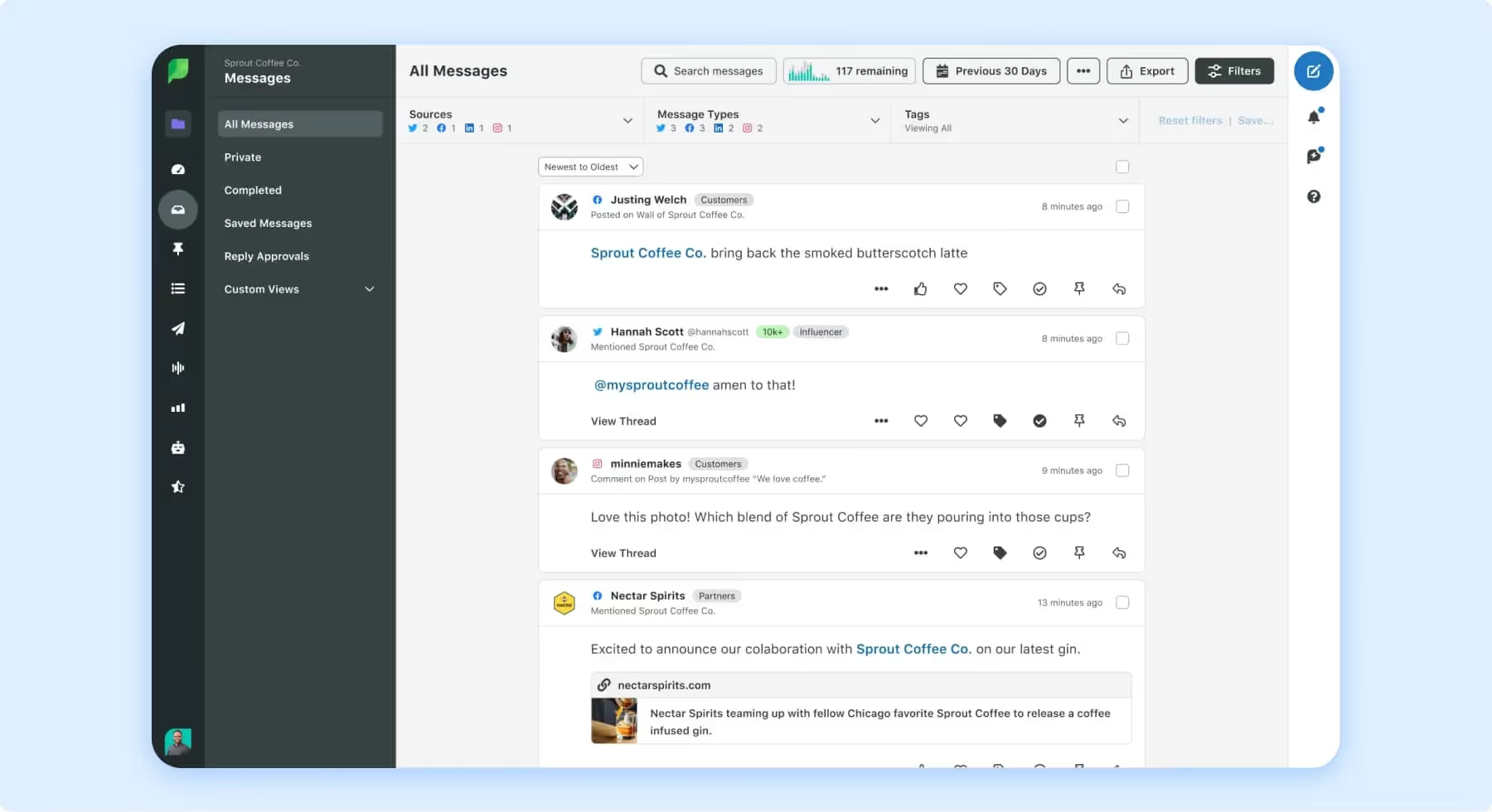
Sprout Social offers listening and reporting designed to help teams understand trends, sentiment, and audience behavior, then turn that into strategy.
Pros:
- Intuitive UI and strong reporting features.
- Sentiment analysis and trend monitoring.
Cons:
- Pricing is on the higher side.
- Limited integrations with less common platforms.
Edge Cases / Limitations:
- When your channel mix includes niche platforms or custom data sources, you may need workarounds or additional tooling to round out coverage.
- Costs can rise quickly as your team grows; it’s often best suited when reporting and insights materially improve decision-making (not just “nice to have”).
Best for:
- Marketing agencies and mid-sized businesses focused on audience insights.
12. Atribus
Atribus supports social listening plus broader coverage (like press and radio), making it useful when “brand conversation” extends past social platforms.
Pros:
- Multilingual sentiment analysis.
- Strong customization options for monitoring.
Cons:
- Limited automation for reporting.
- Small learning curve for less tech-savvy teams.
Edge Cases / Limitations:
- Multilingual sentiment is a big advantage, but nuanced language (slang, sarcasm, regional context) can still lead to misclassification. Teams should expect periodic manual checks.
- If you’re a reporting-heavy org, limited automation can translate into extra analyst time unless you build a repeatable workflow.
Best for:
- Brands focused on global markets and competitive analysis.

13. Statusbrew
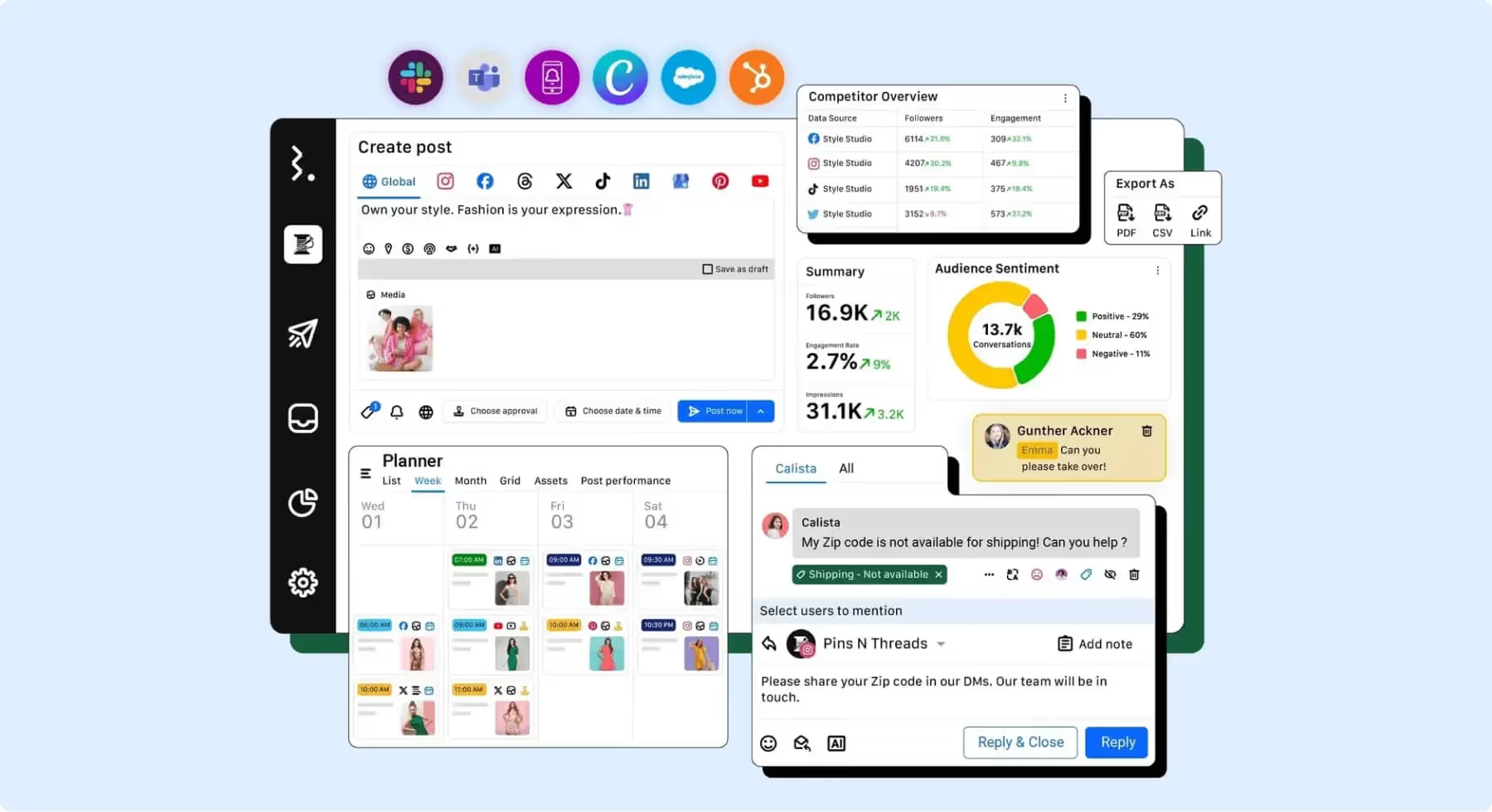
Statusbrew offers unified inbox workflows, collaboration tools, and affordability. With Reddit listening as a standout for niche community monitoring.
Pros:
- Affordable pricing plans.
- Collaboration tools for team management.
Cons:
- Analytics not as detailed as competitors.
- Fewer integrations compared to larger platforms.
Edge Cases / Limitations:
- If leadership expects deep insights (sentiment drivers, advanced competitive benchmarking), you may outgrow the analytics and need a second tool for strategy-level reporting.
- Reddit listening is helpful, but community data can be noisy. You’ll need strong filters to separate meaningful signals from general chatter.
Best for:
- Small teams and startups managing customer engagement.
14. Emplifi
Emplifi blends social listening with customer experience insights, adding a creative-focused layer via visual content tracking.
Pros:
- Strong sentiment analysis capabilities.
- Advanced visual content tracking.
Cons:
- Expensive for smaller teams.
- Limited focus outside of social media.
Edge Cases / Limitations:
- Visual tracking is powerful, but it can be less valuable if your brand’s creative volume is low or if your strategy is more text/community-driven.
- If you need broader “outside-social” monitoring (news/forums) you may need a PR-focused tool alongside it.
Best for:
- Brands in e-commerce and entertainment.

15. Fedica
Fedica focuses on audience insights and reporting, helping teams tailor content based on who their audience is and how they behave.
Pros:
- Deep audience analytics.
- Customizable reporting features.
Cons:
- Limited scheduling capabilities.
- UI may feel outdated.
Edge Cases / Limitations:
- Best when the goal is audience intelligence. But if your team needs a robust publishing plus monitoring workflow in one tool, the limited scheduling can push you to pair it with another platform.
- Great for platforms like Mastodon, but cross-platform parity can vary. Don’t assume every channel has identical depth of data and reporting.
Best for:
- Businesses looking to understand audience demographics and behaviors.
What Is the Best Social Media Monitoring Tool?
The best social media monitoring tool depends on what you’re trying to achieve. No platform wins in every scenario. If your top priority is staying responsive to customers and managing comments, mentions, and DMs in one place, Dash Social is a strong choice, especially for consumer brands that need fast community management and customer care handoffs. If you’re focused on tracking brand and competitor mentions with alerts and sentiment, Brand24 is a solid pick for straightforward monitoring without heavy enterprise complexity. For teams that need PR-grade coverage across social and traditional media, Meltwater is often the better fit. But it comes with a steeper learning curve and higher cost.
For smaller teams that want an all-in-one social management platform with monitoring baked in, Hootsuite is a practical starting point, while Sprout Social is best when reporting and insights are the priority (and budget allows). And if your monitoring is really about a specific niche like multi-location reviews (Reputation) or audience demographics (Fedica) the best tool is the one built for that use case.
What Are the Benefits of Social Media Monitoring?
Social media monitoring helps brands stay on top of what people are saying about them online so they can respond quickly, protect their reputation, and spot opportunities.
Benefits include:
- Catching brand mentions in real time and improving response times.
- Managing customer feedback and potential issues before they escalate.
- Strengthening community engagement and brand loyalty.
- Identifying trends, content ideas, and UGC opportunities.
- Tracking sentiment and conversation themes to refine messaging and strategy.
- Keeping an eye on competitors and market shifts.
Social Media Monitoring Tools FAQs
What’s the difference between social listening and social monitoring?
Social monitoring focuses on managing your reputation and tracking mentions of your brand, like customer feedback, to take immediate action. Social listening, however, takes a more analytical approach, which involves analyzing market trends (like what your target demographic is talking about) and other conversations centering around your brand that don’t necessarily require immediate action but can help adjust or craft your future social strategies. Social media listening tools often help measure qualitative factors, like analyzing sentiment, while social media monitoring tools alert your team to comments and criticisms you can reply to right away.
Think of social monitoring as a reactive, short-term approach, while social listening is a proactive, long-term approach.
How do I choose the right social monitoring tool for my business?
To choose the right social monitoring tool, start by thinking about how you’ll actually use it day to day. Are you mainly trying to reply to comments/DMs faster, keep tabs on brand mentions, or pull insights and reports for the team?
From there, make sure it covers the platforms you care about most (and keep in mind: most tools won’t catch much from private groups). Check that the workflow feels easy for your team. Things like assigning messages, leaving notes, tagging, and collaborating matter more than you’d think. Look at the integrations you’ll need. Stress-test it for real life: noisy keywords, sudden spikes in mentions, or multilingual content. And finally, double-check pricing. A lot of tools charge more for extra users, channels, or advanced listening/reporting.
Does social media monitoring tool data update in real time?
Often yes, but it’s usually near real time, not instant. Most tools refresh within minutes, and delays can happen because of platform API limits, high mention volume, or how complex your tracking queries are. Plus remember, private or closed-group conversations typically won’t show up at all.